Sign in
What Is the Difference Between a Formula and a KPI?
What is a formula?
Plecto formulas are logical expressions similar to those in Excel or Google Sheets. They calculate your data, such as the value of sales, the number of calls, month-to-date targets, and more.
On their own, formulas are not limited by specific time periods. The time period becomes relevant only when a formula is added to a widget.
All formulas are created in a formula editor. You can open the formula editor in Formulas > New formula or from widgets on dashboards and reports.
All formulas are universal – use the same formula on dashboards, in reports, notifications, contests, and other places where formulas are used.
Default date
When calculating your data, formulas look at your data source's default date field. Say you created 5 registrations today but updated 20 – the default date helps Plecto understand which number to show.
You can always change the date field in your formulas.
What is a KPI?
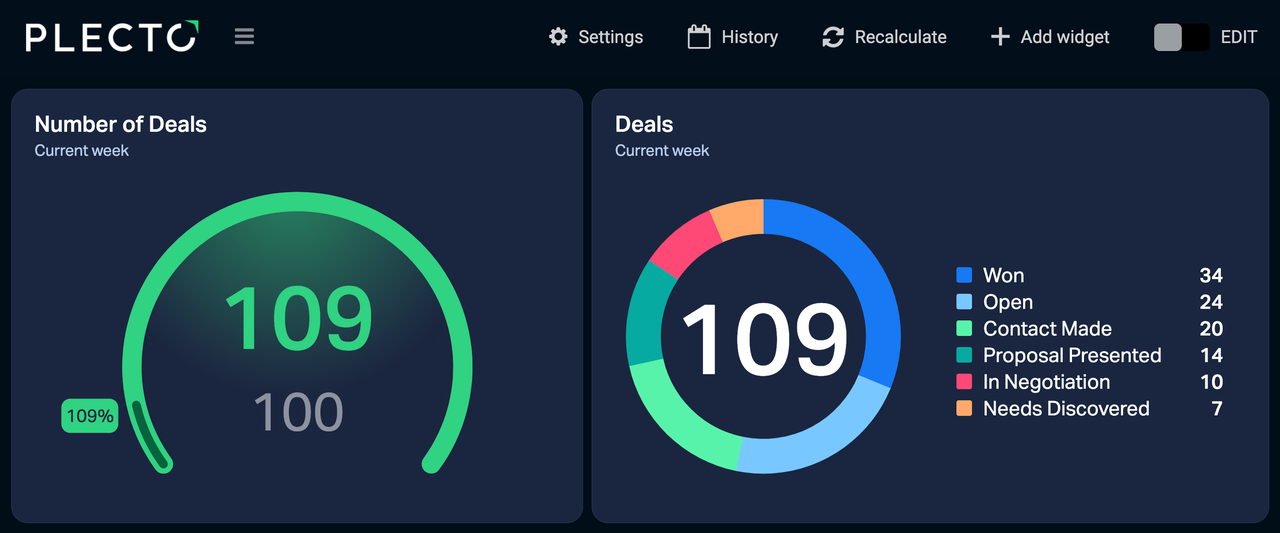
In Plecto, a Key Performance Indicator or KPI is a combination of formula + widget + time period.
Unlike formulas, KPIs are bound to specific time periods.
For example, say you have a formula that counts the number of calls from a data source. You can use this formula to see the KPI for today, another KPI for the current month, a third one this month filtered by teams or employees, and so on.