 Sign in
Mobile Dashboards
Get performance insights at your fingerprints with the Plecto mobile app for iOS and Android. Track key KPIs, follow contest progress and get data insights wherever you are working.


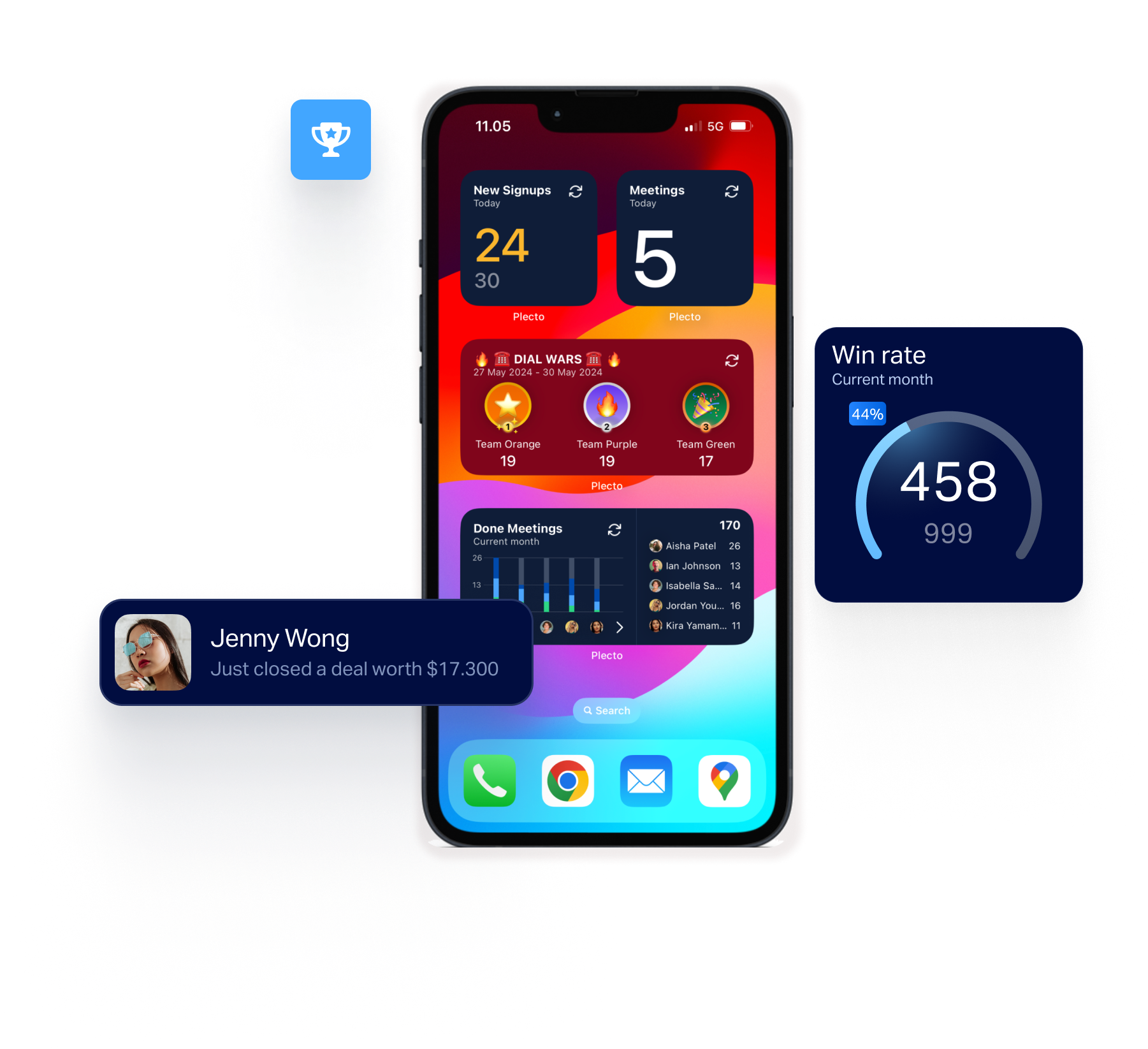
Enjoy dashboards optimized for mobile
Say goodbye to clunky, slow-loading visuals on your phone's browser. The Plecto mobile app gives you the same sleek visuals that you get on your TV or computer - specifically designed for mobile.
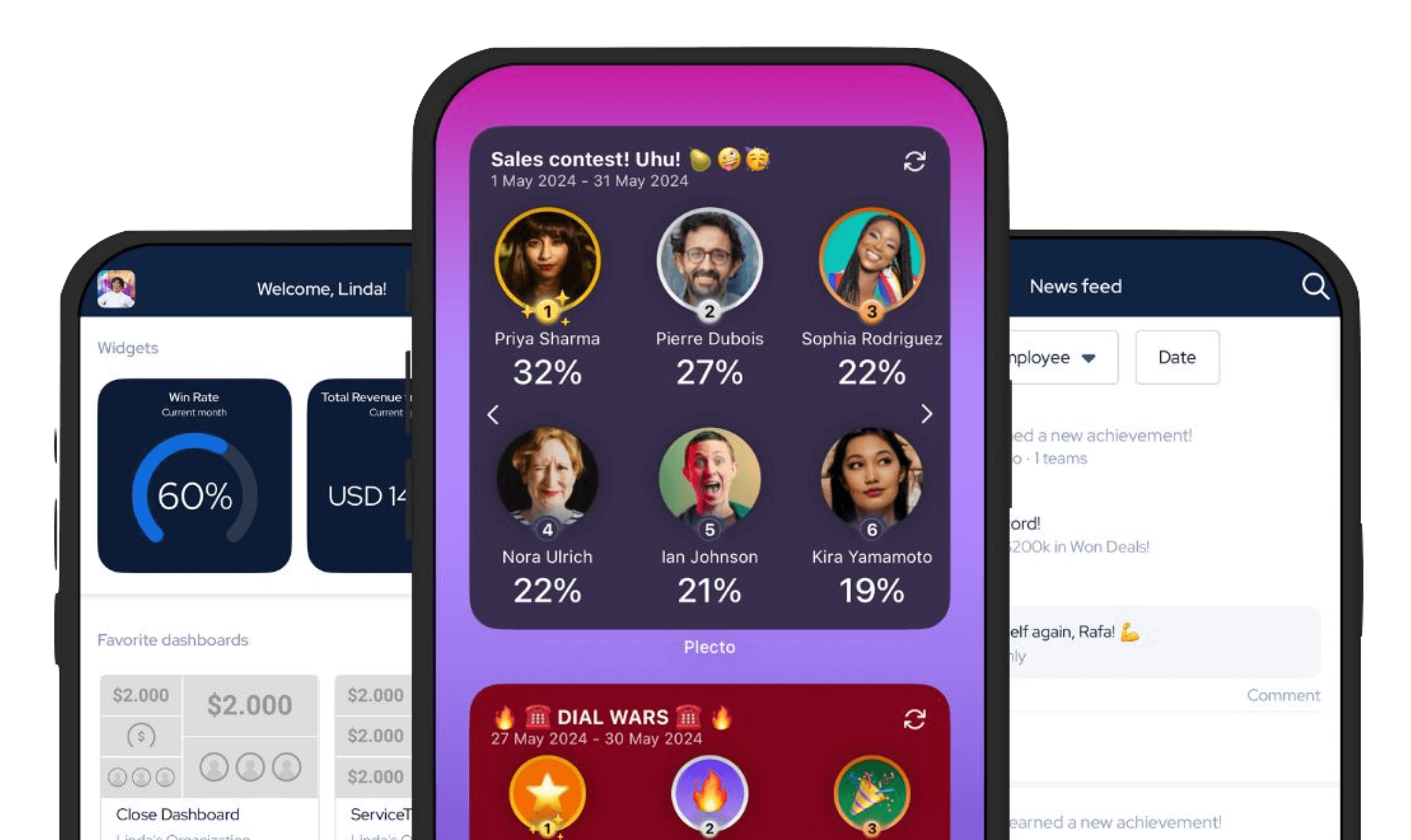
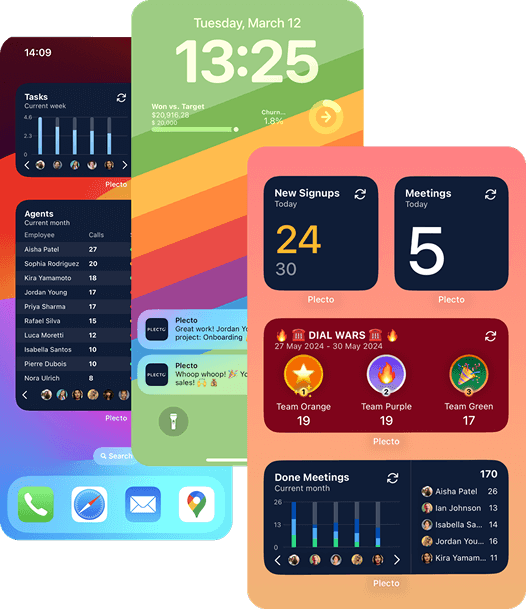
Never miss a metric: See your KPIs on your phone's Home and Lock Screens
Add sleek widgets right to your phone's Home and Lock Screens, giving you instant access to your KPIs wherever you are working.
What can I do with the Plecto mobile app?
Our app brings you many of the best features of Plecto. Here's a quick overview of just some of the things that you can do with our mobile app.
Track your key KPIs
See the metrics that matter in an instant.
Instant notifications
Be the first to know when a new achievement has been hit!
Connect to TV
Using our mobile app is the quickest and easiest way to connect Plecto to a TV.
Coaching & Training features
Answer quiz questions and follow your performance agreements in the palm of your hand.
Follow Contests progress
Enjoy gamification on the go by adding contests to your phone's Home Screen.
Add registrations & new activities
Want to update your progress on the go? Add new registrations in just a few clicks.

“All of our employees immediately have the same information on their TVs or we can push a message or notification to their mobile phone in seconds, which is amazing.”

Johan Hilding
CEO and Co-Founder of Förebygg
Where else can I use Plecto?

Display your dashboards on TVs around the office and create a data-driven, motivated workplace
Use TV screens in your office to showcase KPI dashboards and bring your data to life. This approach creates a transparent, goal-oriented workplace that inspires your team to perform at their best.
Learn more about TV dashboards
Download our app on the App Store and Google Play Store
FAQ
No! Our app is included on all plans and there are no limitations on how many users can download the app.
Currently, all new dashboards have to be created on the desktop app.
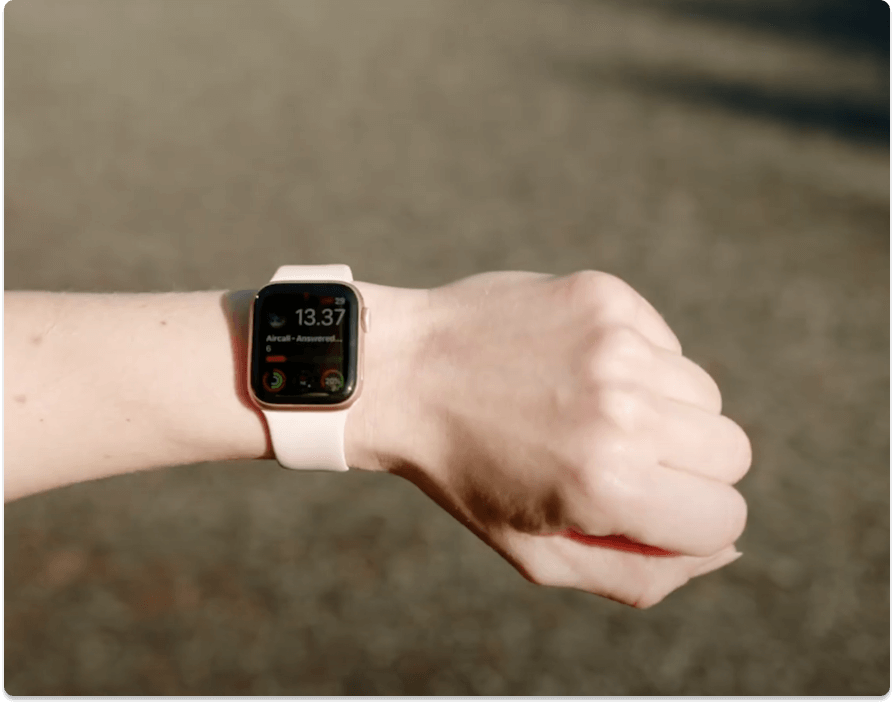
To get Plecto on your Apple Watch you first need to have to have the iOS mobile app installed. The app on the watch works together with the mobile app, so Plecto should automatically show up on your Apple Watch once both devices have been paired. Check out our help guide on the topic for more information on getting started.