
Key Strategies for Eliminating Manual Bottlenecks in Back Office Operations

Key Strategies for Eliminating Manual Bottlenecks in Back Office Operations
FlowForma's research this year found that employees lose around 15 hours a week to low-value admin work, and only about half say most of their day goes toward tasks that actually matter to the business. Finance teams retype numbers that already exist in another system. HR staff chase the same approval through three different inboxes before anyone signs off. None of this is new, exactly, but it's worth asking why so much of it is still happening in 2026, when the tools to fix most of it have existed for years.
 Build your own
This piece looks at where the drag actually comes from in back office teams, what the current data says about which fixes are worth the investment, and a few practical steps that tend to hold up once someone checks the results a few months later rather than at the pilot demo.
Where the Time Actually Goes
Ask a finance manager where the week disappears and the answer is rarely one big system failure. It's smaller than that.
A workaround introduced during a system migration two or three years ago that never got cleaned up, because nobody had the time or the mandate to touch it.
An approval step that exists because something went wrong once, a long time ago, and the fix that got put in place afterward was never removed even though the original problem hasn't recurred since.
A number that two departments both calculate on their own, in their own spreadsheets, and then someone spends an afternoon each month figuring out why the totals don't match.
What This Actually Costs
EY has estimated that automating this kind of repetitive back office work can save companies somewhere between 20% and 60% of the baseline staffing costs tied to those tasks, though the actual number depends heavily on how messy the starting process is and how much of it genuinely qualifies as repetitive rather than judgment-based.
Standardizing that process across departments, before any tool gets involved, tends to be the part that gets skipped, and it's also usually where enterprise-grade DXC business process solutions get brought in — less as a single fix, and more as a way of forcing a common format across teams that have been quietly running their own version of the same workflow for years.
It's not a glamorous starting point, and it rarely shows up on a project roadmap as its own line item, but skipping it is a big part of why so many automation efforts end up automating the same inconsistency they were supposed to remove.
What the Current Data Actually Shows
There's a lot of noise right now around what automation and AI can do for operations teams, and some of it doesn't hold up once the actual numbers come out. Gartner's most recent prediction puts the share of agentic AI projects that will be cancelled by 2027 above 40%, and the reasons cited have less to do with the technology itself and more with unclear return on investment, weak governance around who's actually accountable when an automated decision goes wrong, and legacy systems that were never designed to give an autonomous agent real-time access to anything.
A widely-discussed MIT study from last year found that 95% of generative AI pilots in business settings showed no measurable effect on the bottom line, which is a fairly stark number for anyone who's been promised that AI agents would solve most of a department's workload within a couple of quarters.
Where the Real Blockers Are
What tends to get left out of that conversation, though, is that back office automation specifically shows up as one of the categories where returns are actually consistent, largely because the underlying work is repetitive and rules-based enough that a tool can complete it without needing constant correction.
The budget and the attention usually go to sales and marketing pilots instead, in part because those are easier to demo and get more visibility internally. Finance and operations automation tends to get less credit even when it's the part actually producing results, which is a pattern worth keeping in mind before assuming the flashiest tool on the market is also the one worth prioritizing.
Legacy system integration eats a large share of most project timelines. Close to half of enterprises surveyed this year said the real obstacle wasn't the AI model at all but the state of their own data — inconsistent formatting, duplicate records, information that technically exists somewhere but isn't structured for anything automated to use reliably.
And a fair number of teams end up automating a process that was already broken instead of fixing it first, which Deloitte's 2026 trends report refers to as "workslop" — more output generated, without much real progress underneath it.
 Build your own
A Few Steps Worth Taking Before Buying Anything
Mapping the actual process, rather than the one described in whatever documentation exists, tends to be the step that gets skipped first when there's pressure to move quickly.
The documented version rarely matches what people actually do day to day, workaround included, and walking through a single transaction from start to finish usually reveals that it touches more systems than anyone on the team initially estimated.
Wherever someone is re-entering data that already exists in another system, that's usually the first thing worth removing before anything gets automated around it.
Standardize Before Automating
Standardizing intake formats matters more than it looks like it should on a project plan, mostly because automation tends to magnify whatever inconsistency already exists instead of smoothing it over. A tool built on top of five slightly different formats coming from five regional teams tends to either break outright or—quieter and worse—produce numbers that are wrong for a while before anyone catches them.
Match the Tool to the Task
After that is resolved, the purpose of the tool is more important than the instrument itself. Reconciling transactions and filling out standard fields are examples of high-volume, rule-based tasks that RPA still manages at a low cost.
A rules engine was never designed to handle messier data, such as scanned bills or contracts with uneven formatting. This is how document AI, from vendors like Hyperscience or the more recent ABBYY solutions, makes its money. It is usually best to leave everything that requires genuine judgment with a person. That's not a gap in what hasn't been mechanized yet, but rather a conscious decision.
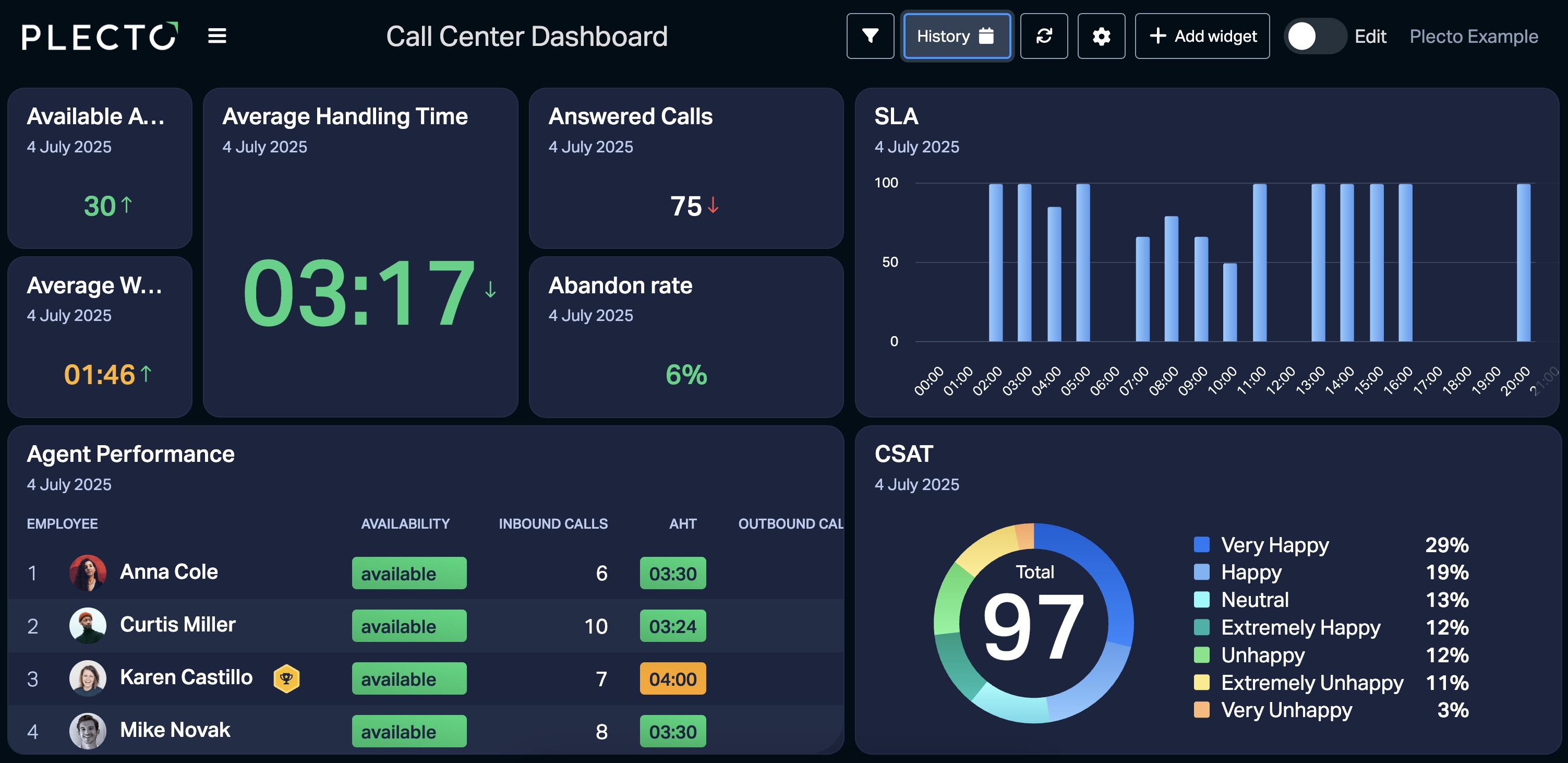
None of it proves anything without a way to see whether it's working. A team needs to check cycle time and error rates fairly often, not rebuild a slide from memory before a review. A finance team with a live dashboard tracking touchless-processing rates can spot a broken rule within a day. If those numbers are only reviewed quarterly, the same error may sit unnoticed for weeks or months.
Getting the Team to Trust It
Numbers tend to land better than announcements here. If a team can see, in plain terms, how error rates or processing times shifted after a change, that carries more weight than an email explaining why the new process is supposed to be an improvement.
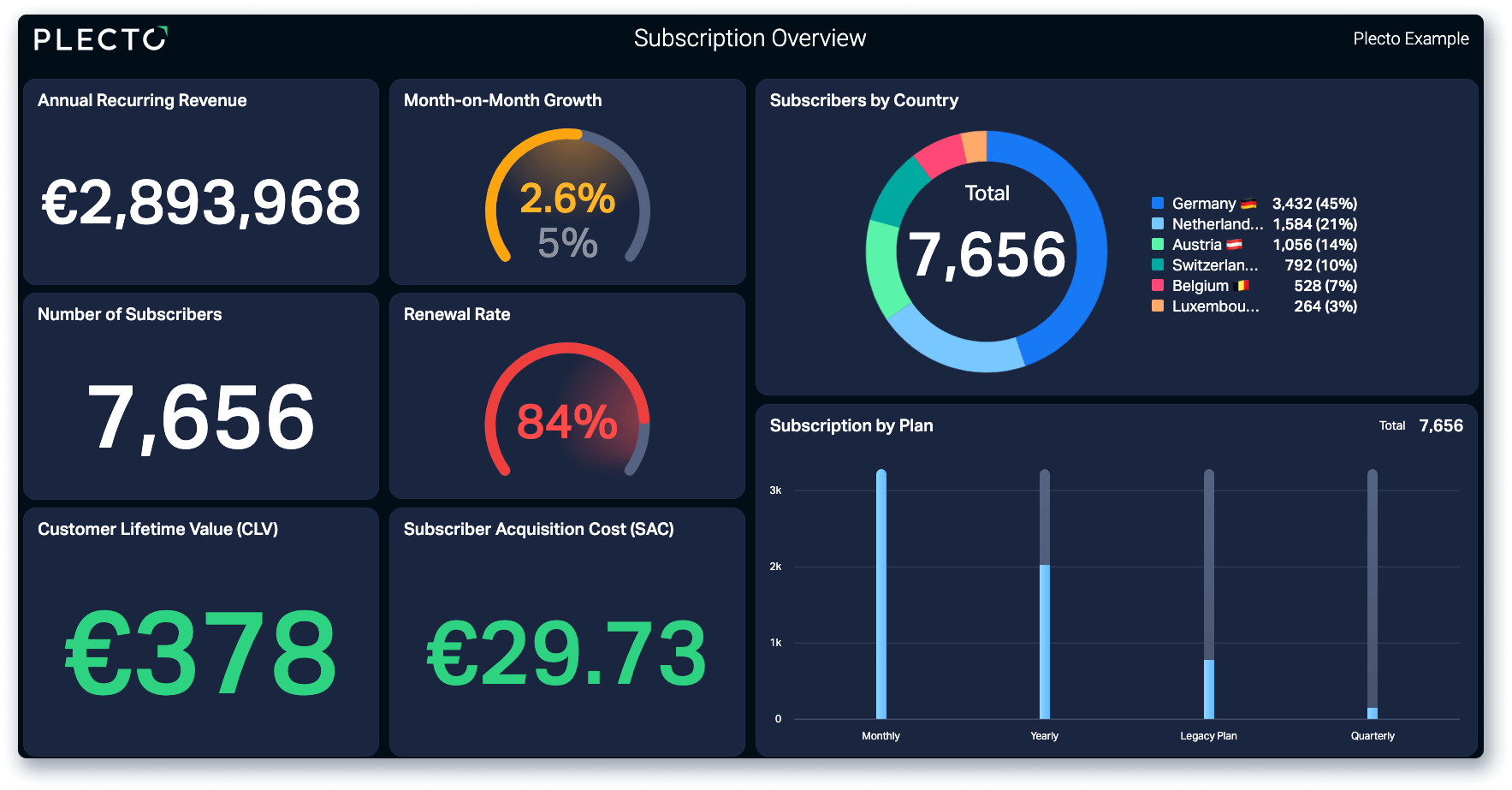
Leadership needs the same thing, honestly. Plecto's executive dashboard that pulls in live numbers means nobody has to walk into a meeting and argue that the automation is paying off — the data's already sitting there, updating on its own.
One more piece worth building in from the start is a clear way to flag exceptions. Without an obvious path for the case that doesn't fit the new process, people will invent their own way around it, and that workaround eventually turns into its own mess to untangle down the line.
Where This Lands
None of this is complicated in theory. Map how the work actually happens, clean up the inconsistencies, and automate the parts that are genuinely repetitive rather than the whole thing at once.
Where most of it falls apart is afterward, once the tool is live and nobody's really checking whether it's still doing what it was supposed to six months in. Keeping a dashboard through something like Plecto in front of the team, instead of pulling a report together once a quarter, tends to catch the small stuff before it grows into something that takes a lot longer to fix. If these problems sound applicable to your team, sign up for a free Plecto demo or two-week trial today.
Start your 14-day free Plecto trial today.
Enjoyed the article? Share it:


LAURA GREENE