 Sign in
PagerDuty
Step 1: Get an API token from PagerDuty
This integration is in BETA. It is subject to change based on testing and your feedback. Learn more
To integrate PagerDuty with Plecto, you need to provide an API token from your PagerDuty account. Learn more about API keys in PagerDuty.
Step 2: Integrate PagerDuty with Plecto
-
In Plecto, go to Data sources > New data source > PagerDuty.
-
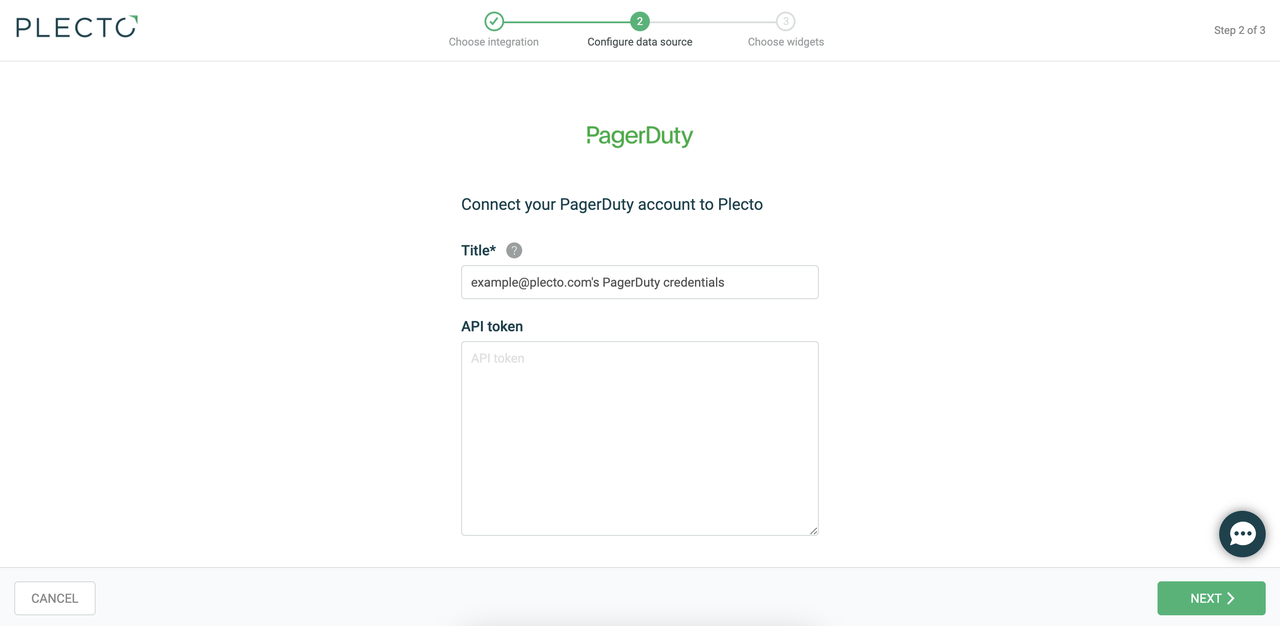
(Optional) Rename your credentials.
-
Insert your API token and click Next.
-
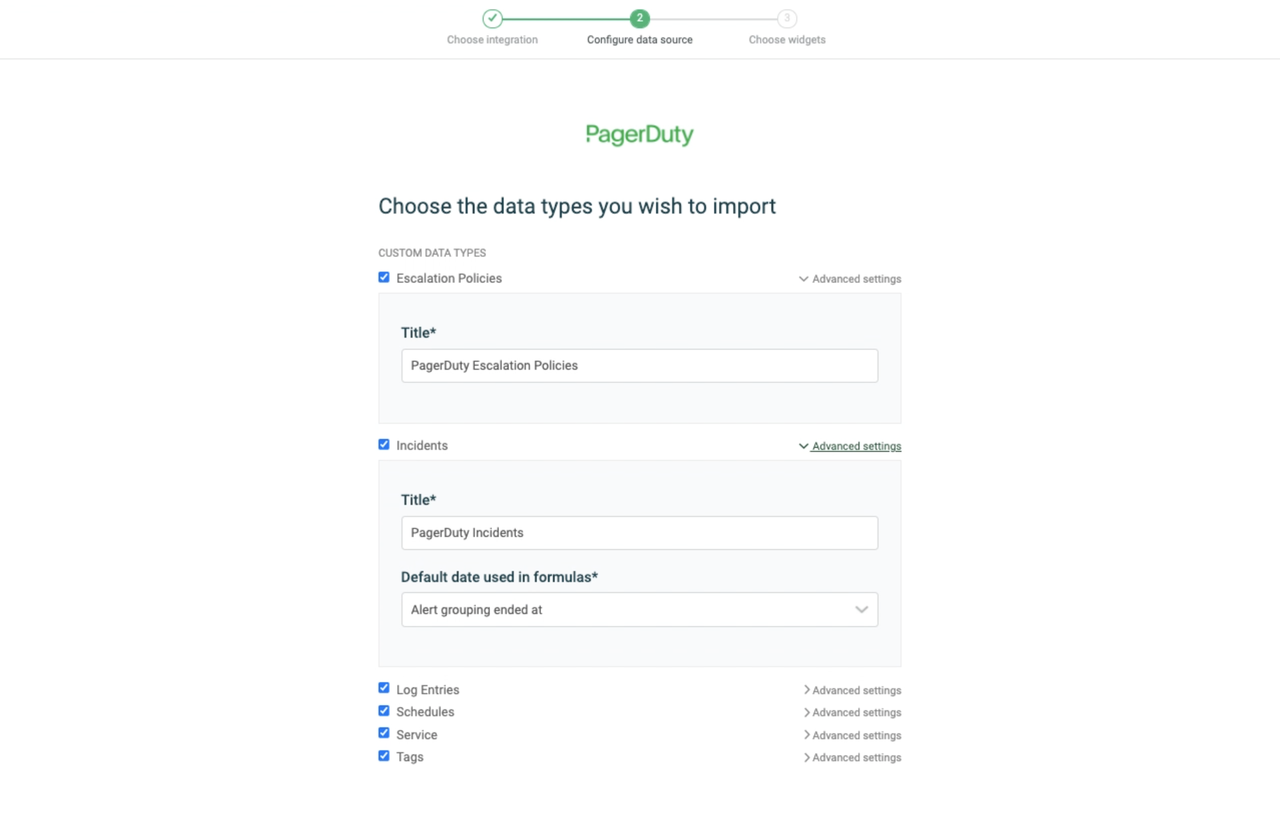
Select the data you want to import.
-
Configure your data source settings. Here, you can change the title, choose the default date, select which fields to import, and more.
-
Click Next to choose how much data to import and how long you want to keep it in the data source.
-
Click Import to finish.
Available data
Our integration with PagerDuty currently allows you to import the following data:
Update frequency: 2m
Supports custom fields? No
Supports webhooks? No
Supports automatic registration deletion? No
Supports relations? No
Update frequency: 2m
Supports custom fields? No
Supports webhooks? No
Supports automatic registration deletion? No
Supports relations? Yes
Update frequency: 2m
Default member field: Agent ID
Supports custom fields? No
Supports webhooks? No
Supports automatic registration deletion? No
Supports relations? Yes
Update frequency: 2m
Supports custom fields? No
Supports webhooks? No
Supports automatic registration deletion? No
Supports relations? No
Update frequency: 2m
Supports custom fields? No
Supports webhooks? No
Supports automatic registration deletion? No
Supports relations? Yes
Update frequency: 2m
Supports custom fields? No
Supports webhooks? No
Supports automatic registration deletion? No
Supports relations? No