Sign in
How to Debug a Registration
Compare a registration to its source
If you open a registration in your data source and something doesn't look right, you can compare the registration details to the data Plecto got from your system:
-
Open a data source.
-
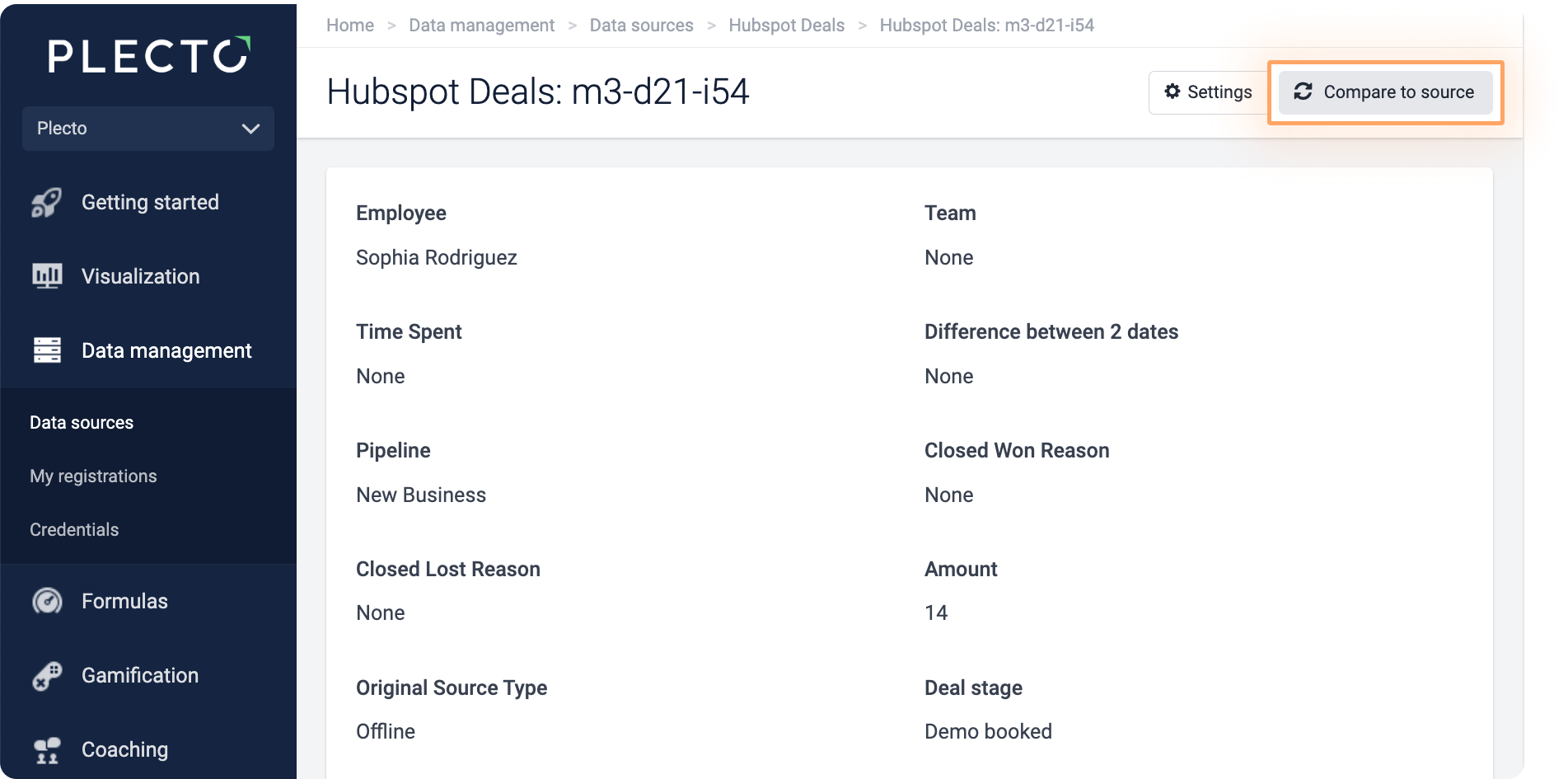
Click on the registration ID in the left-side column to open its details.
-
In the top-right corner, click Compare to source. There, you should see a complete list of the information Plecto got for that registration, including the raw response from API.
If you want to update the registration, click Reimport.
This feature is supported in the following systems: Salesforce, Aircall, Intercom, Podio, Adversus, HubSpot, Pipedrive, GoCardless.