 Sign in
Asana
Integrate Asana with Plecto
-
Go to Data sources > New data source > Asana.
-
Click Next and log in to your Asana account.
-
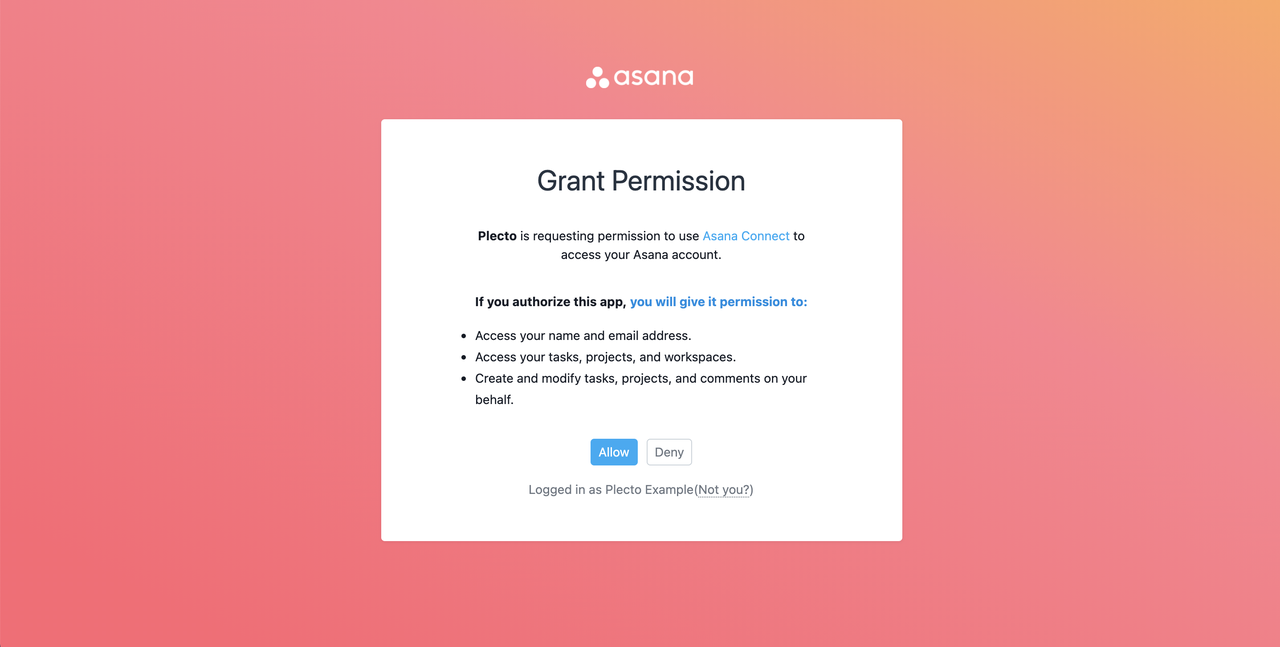
Click Allow to give Plecto access to your data.
-
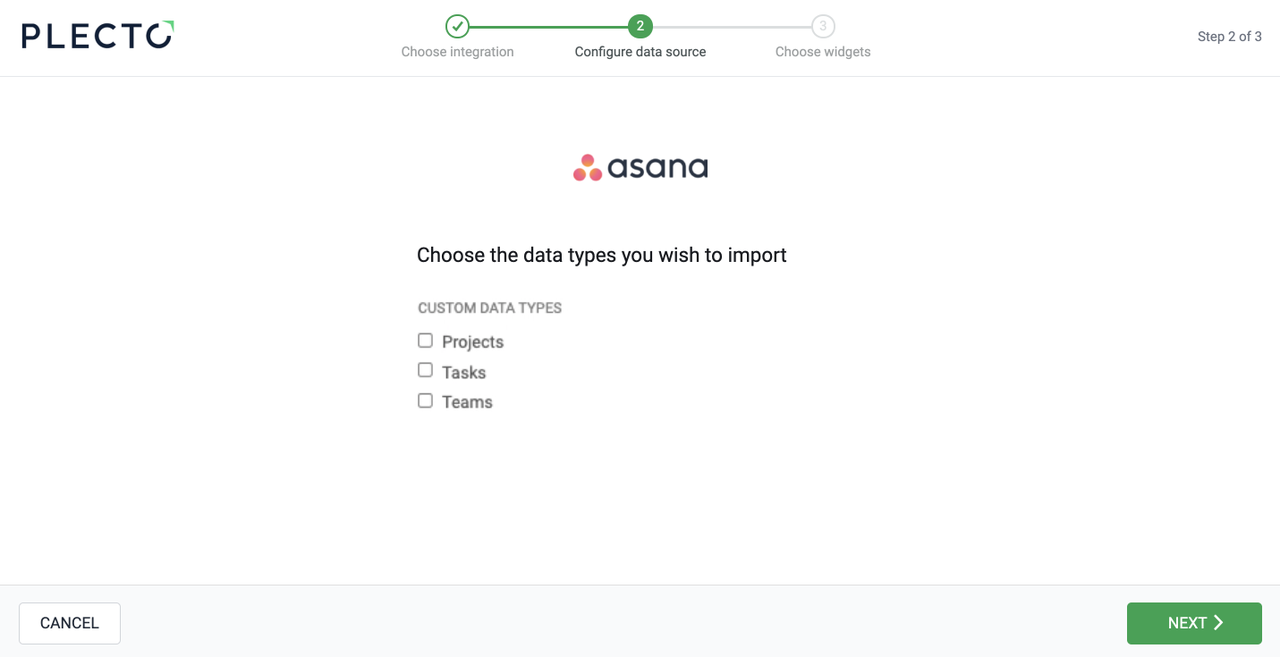
Select the data you want to import.
-
Configure your data source settings. Here, you can change the title, choose the default date, select which fields to import, and more.
-
Click Next to choose how much data to import and how long you want to keep it in the data source.
-
Click Import to finish.
Available data
You can currently import the following data from Asana:
Update frequency: 2m
Supports custom fields? No
Supports webhooks? No
Supports automatic registration deletion? No
Supports relations? No
Update frequency: 2m
Supports custom fields? No
Supports webhooks? No
Supports automatic registration deletion? No
Supports relations? Yes