Sign in
How Notifications Work
What are Plecto Notifications?
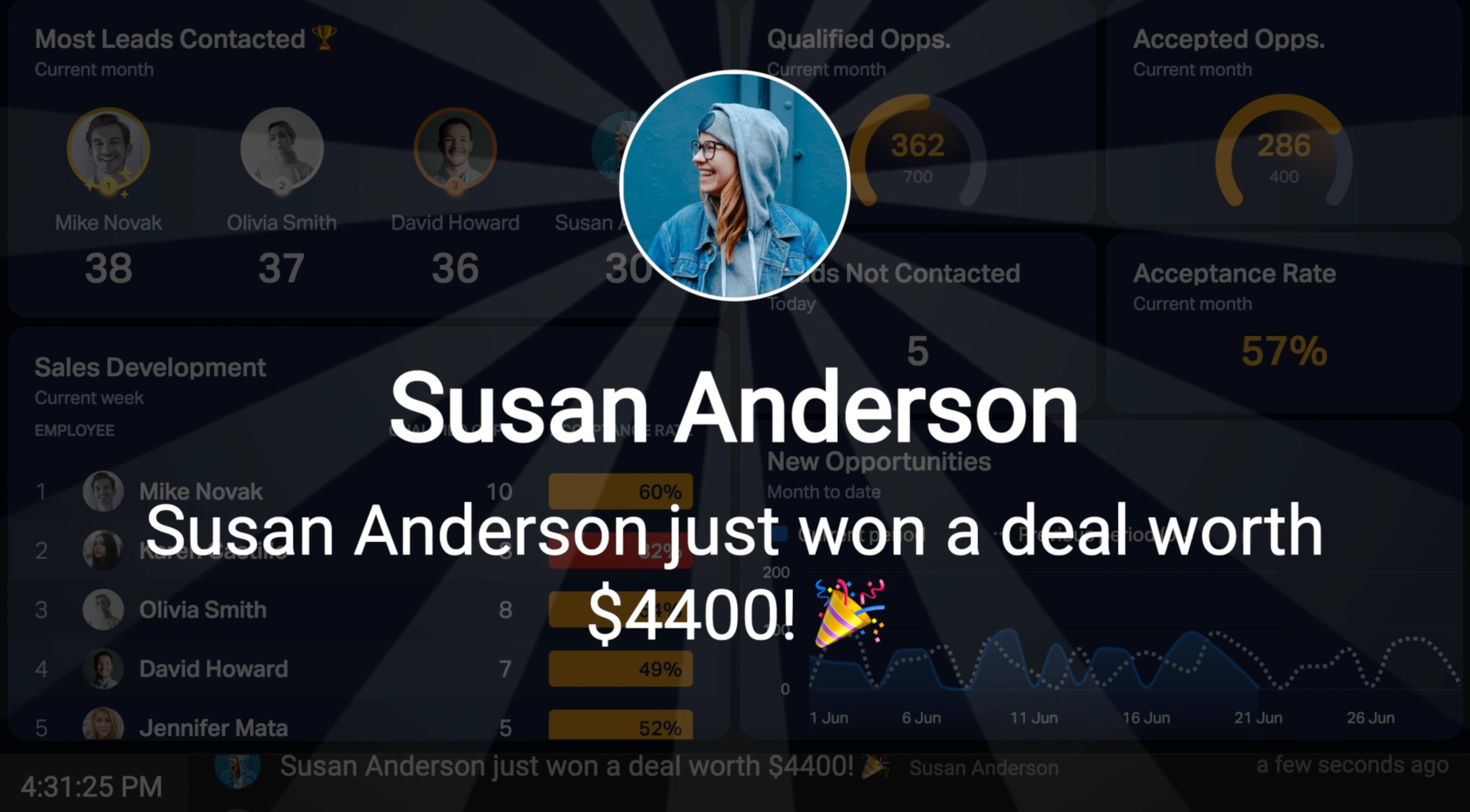
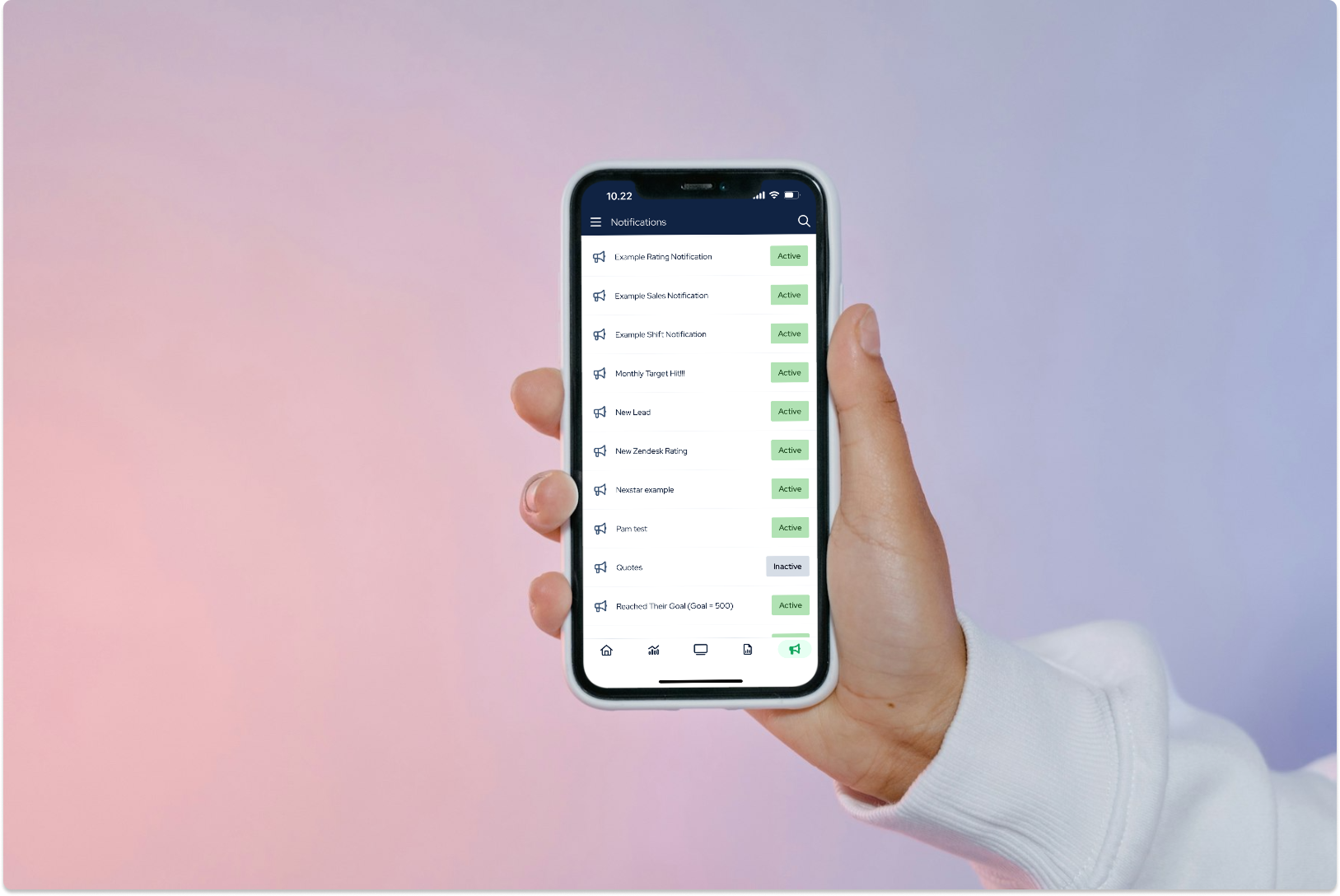
Get notified whenever you close a deal, answer 20 calls, complete a task, reach a target, and more. Notifications let you celebrate your performance, share updates, or trigger fun events automatically – either based on your data or at a scheduled time.
To see your notifications on TV screens, you need to add your dashboards & contests to a slideshow and activate it on a TV.
Permission required. Only Global Admins and employees with access to the Notifications feature can create and manage Notifications in Plecto.
Notification Actions
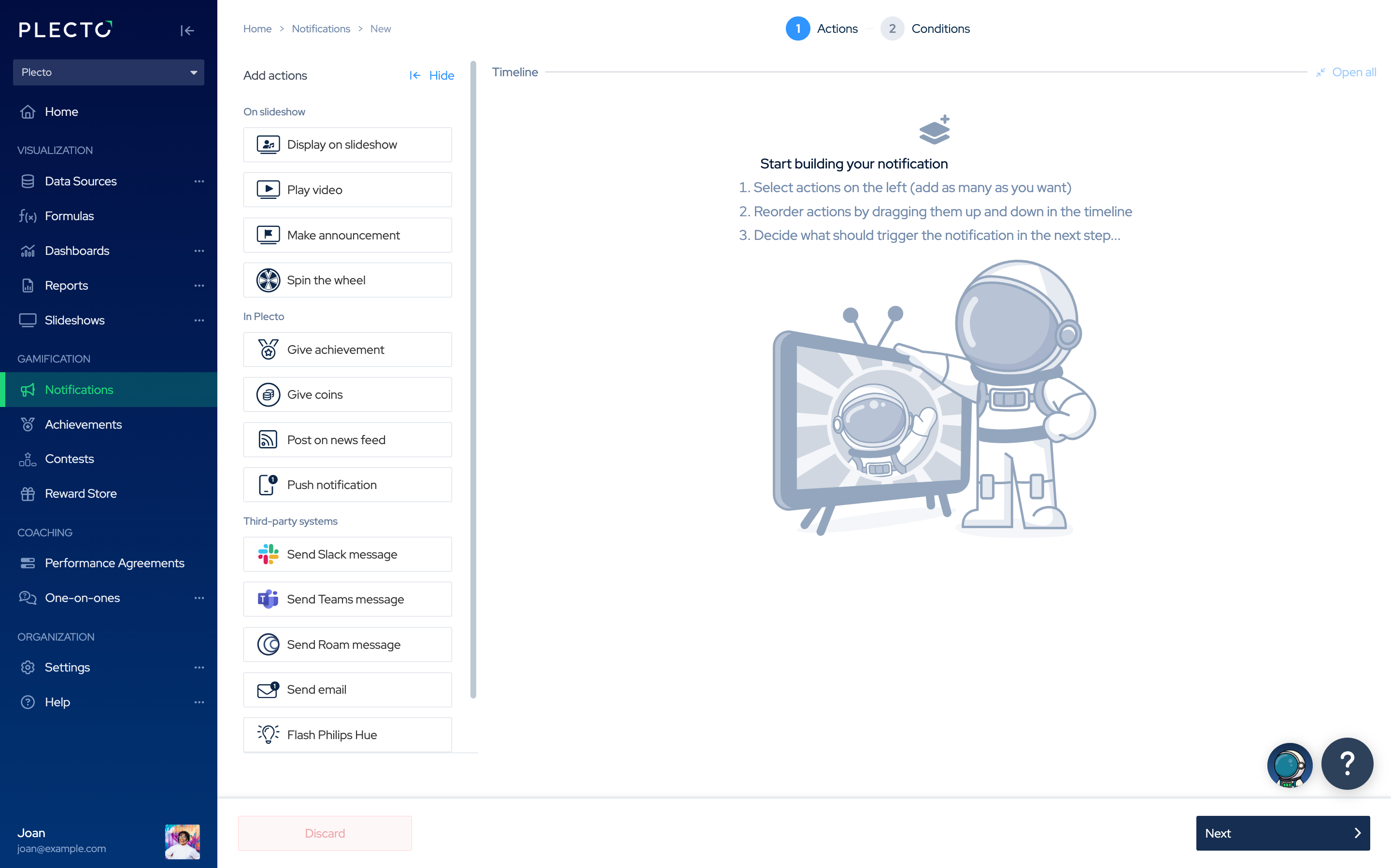
Add one or more actions to the notification timeline and configure their settings (target slideshows, recipients, your custom messages).
The actions will trigger when the notification conditions are met (based on your data or based on a schedule).
Good to know:
-
All actions trigger at the same time.
-
If multiple actions target the same slideshow, they will appear in the order they are arranged on the timeline.
-
You can drag and drop actions on the timeline to reorganize it.
Available actions:
-
Display on slideshow
-
Play video
-
Make announcement
-
Spin the wheel
-
Give achievement
-
Give coins
-
Post on news feed
-
Push notification (mobile)
-
Send a Slack message
-
Send a Teams message
-
Send a Roam message
-
Send email
-
Flash Philips Hue
-
Play sound on Sonos
Tip! 💡 Think about your notification – do you want to configure it based on your data? Or do you want to schedule for something to happen at a specific time (like give coins or send a message)? Knowing this will help you combine the right actions on the timeline.
Notification Conditions
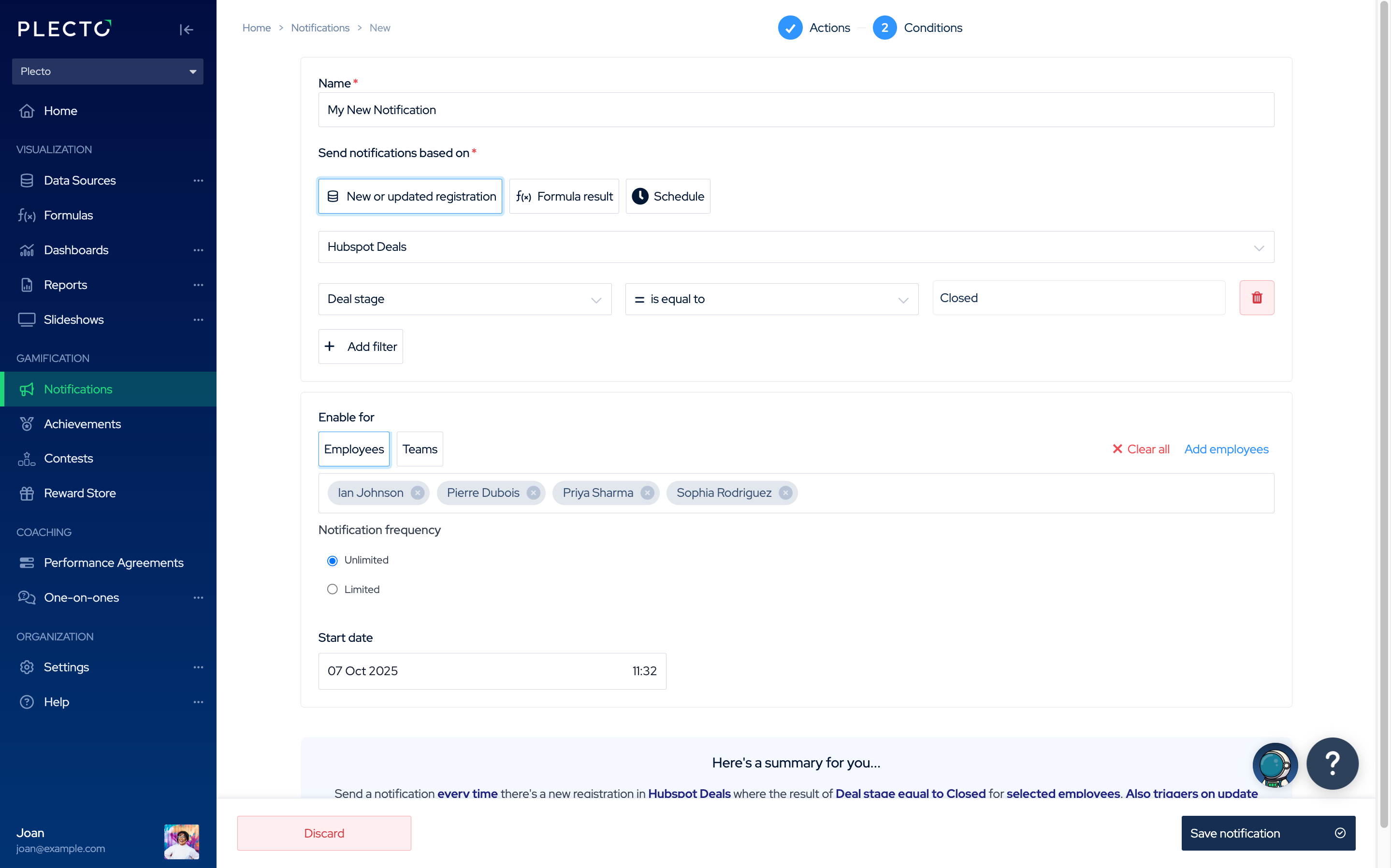
In this step, you decide what conditions will make the notification launch. There are three options:
-
New or Updated Registration
-
Triggers when a new registration is added or an existing registration is updated in a data source.
-
If no filters are applied, the notification will launch for every new or updated registration.
-
-
Formula Result
-
Triggers when a formula meets the filter condition. For example: Number of booked meetings ≥ 40.
-
If no filters are applied, the notification will launch whenever the formula result changes.
-
-
Schedule
- Launches at a set time, not based on data or performance.