Sign in
How to Share a Report
Quickly share Plecto reports using the mobile app
-
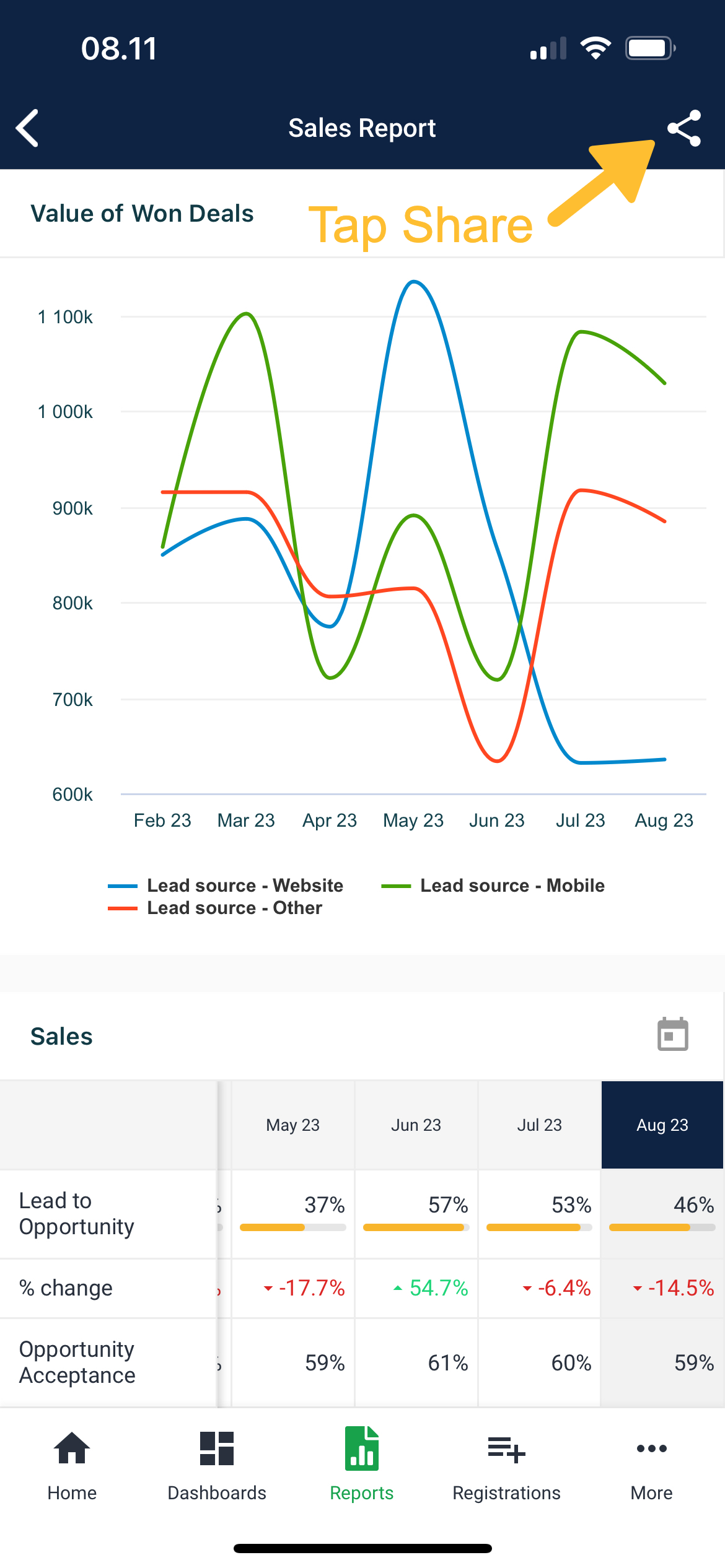
Open Plecto and tap Reports in the menu bar.
-
Open a report.
-
Tap the Share icon in the top-right corner.
-
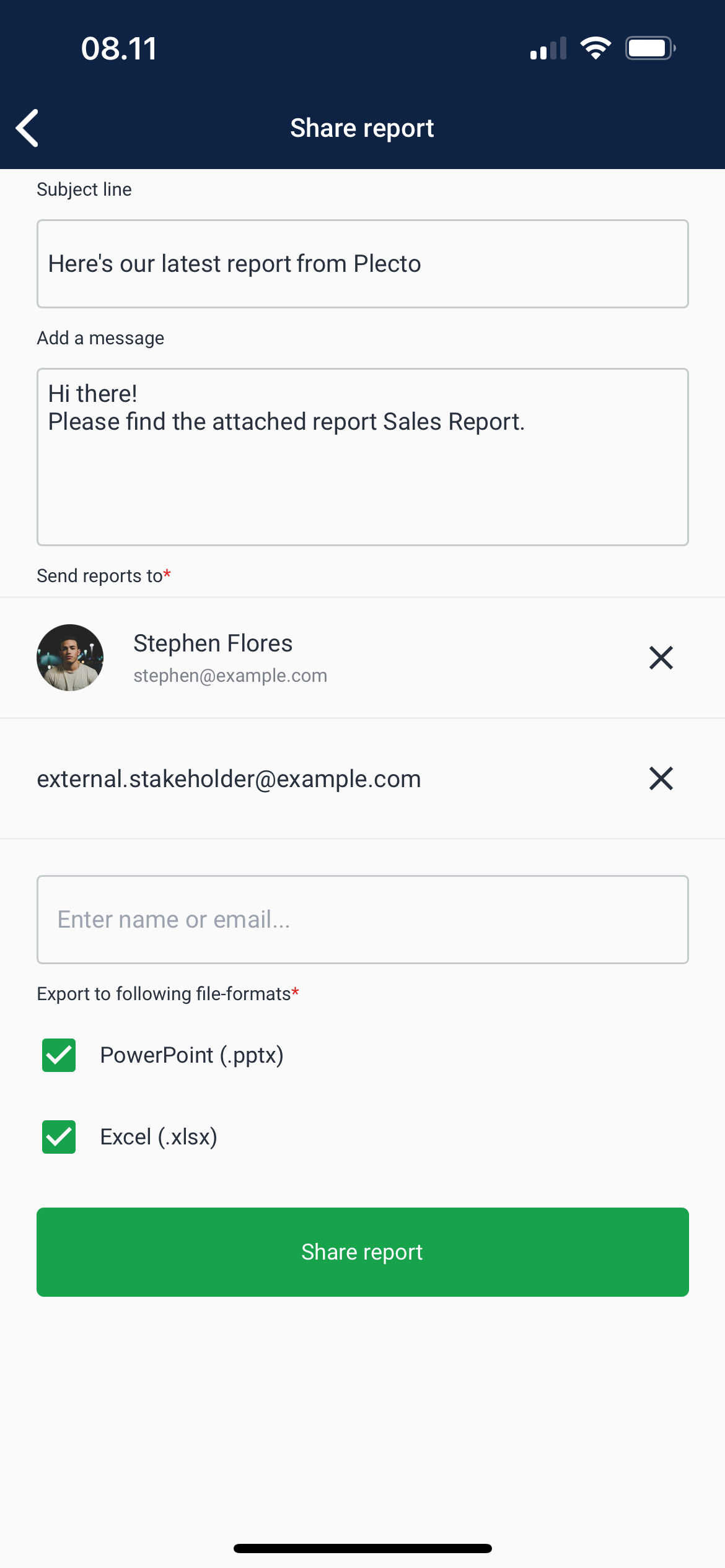
(Optional) Customize the pre-filled subject line or message.
-
Enter the names or emails of people you want to send this report to. You can also send the report to external emails (outside of your Plecto organization).
-
Choose the file format. Your report will be attached to the email either as a PowerPoint presentation or an Excel spreadsheet.
-
Tap Share report.
-
Your phone will open the email app with an email that's ready to be sent. Tap the Send button to share your Plecto report.