Sign in
How to Log Out of Your Plecto Account
How to Log Out
To log out of your Plecto account, follow these steps:
-
Click on your profile in the bottom-left corner.
-
Click on the three dots in the top-right corner, then select Account settings.
-
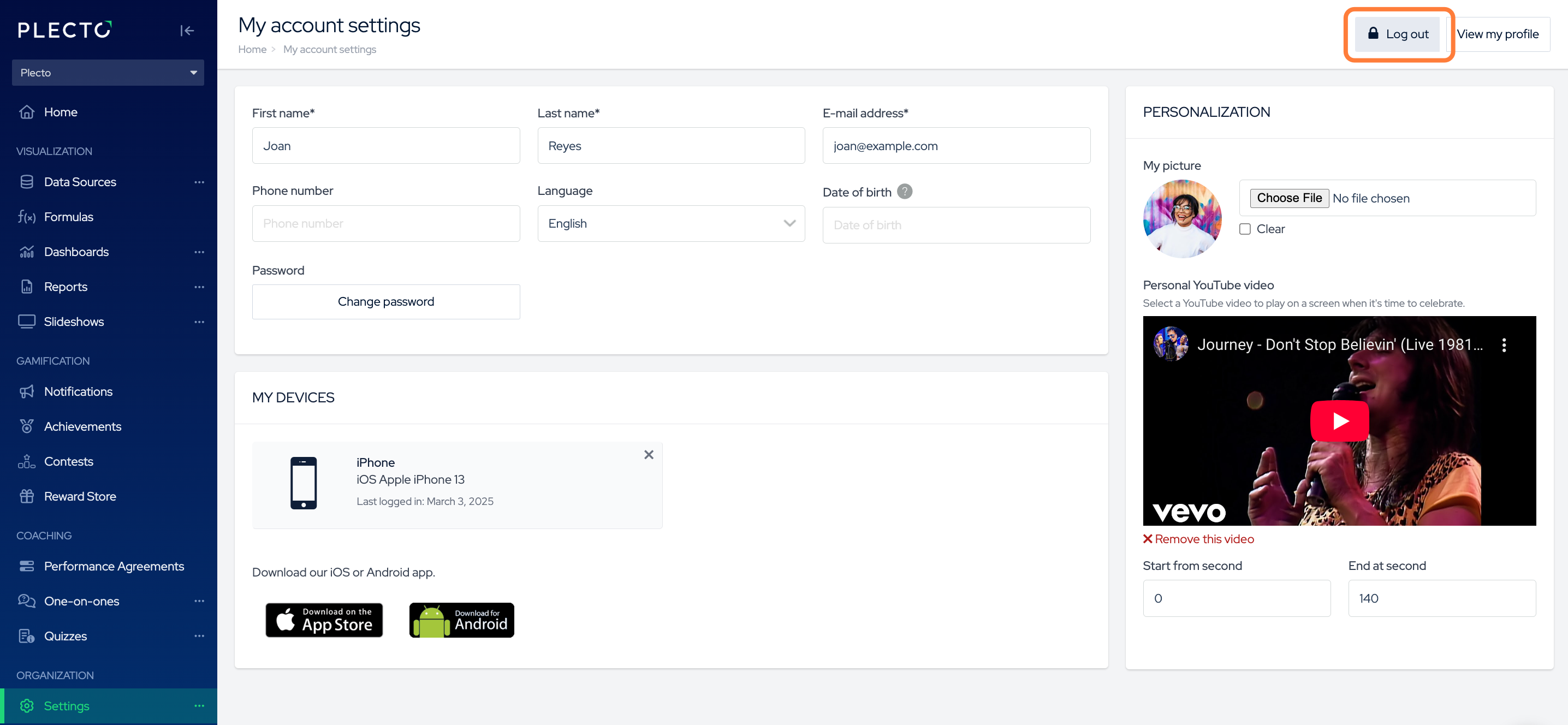
You will see the Log out button in the top-right corner.