Sign in
Data Functions in Formulas
Available data functions in formulas
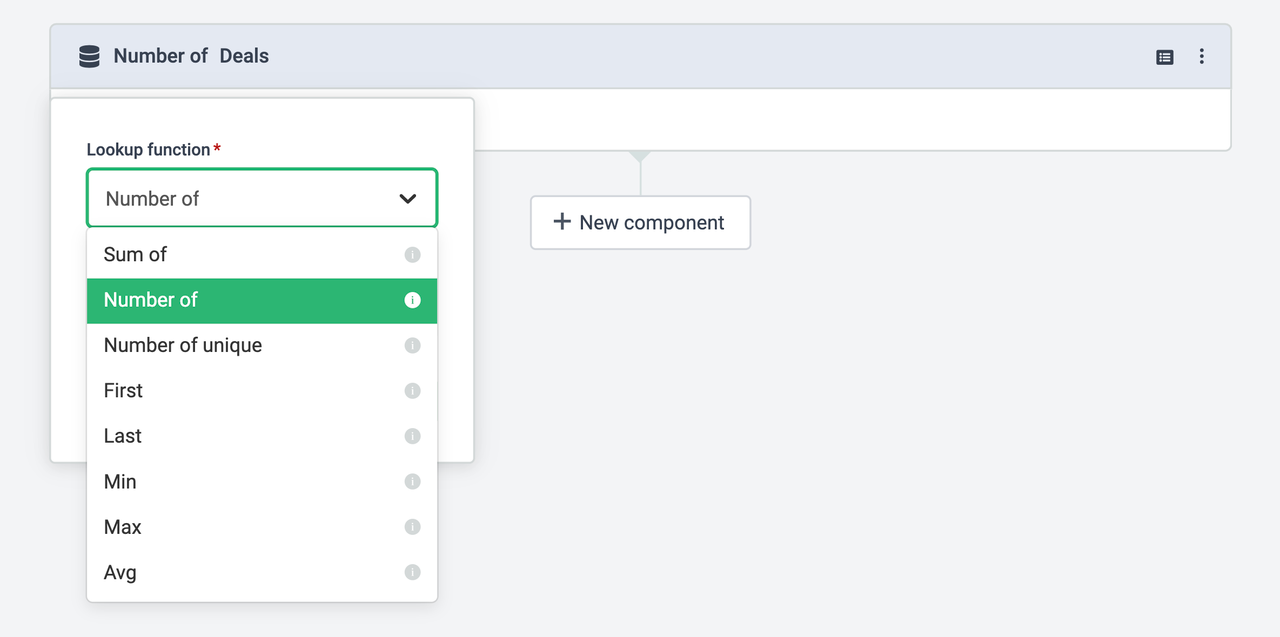
Data functions tell Plecto how to calculate your data. Here's an overview:
| Sum of | Sums the values from a particular field. Use it to calculate the won/lost deal values, order values, story points, etc. |
|---|---|
| Number of | Counts the number of registrations in a data source. Use it to calculate the number of new leads, the number of completed orders, or how many agents are currently available. |
| Number of unique | Counts the number of unique registrations in a data source. Say you have 30 registrations because you managed to sell 30 units so far, but you only offer 5 different products. The Count function would give you 30, but CountUnique will give you 5. |
| First | Returns the very first, earliest field value of a data source. |
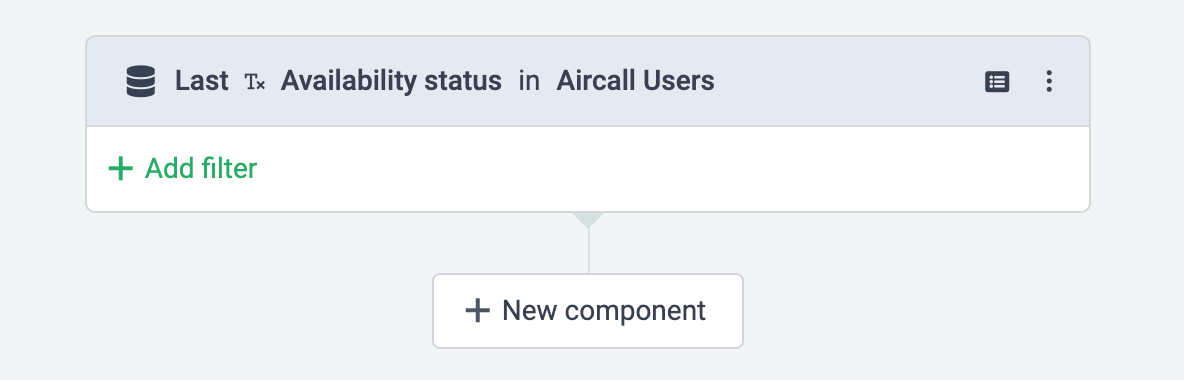
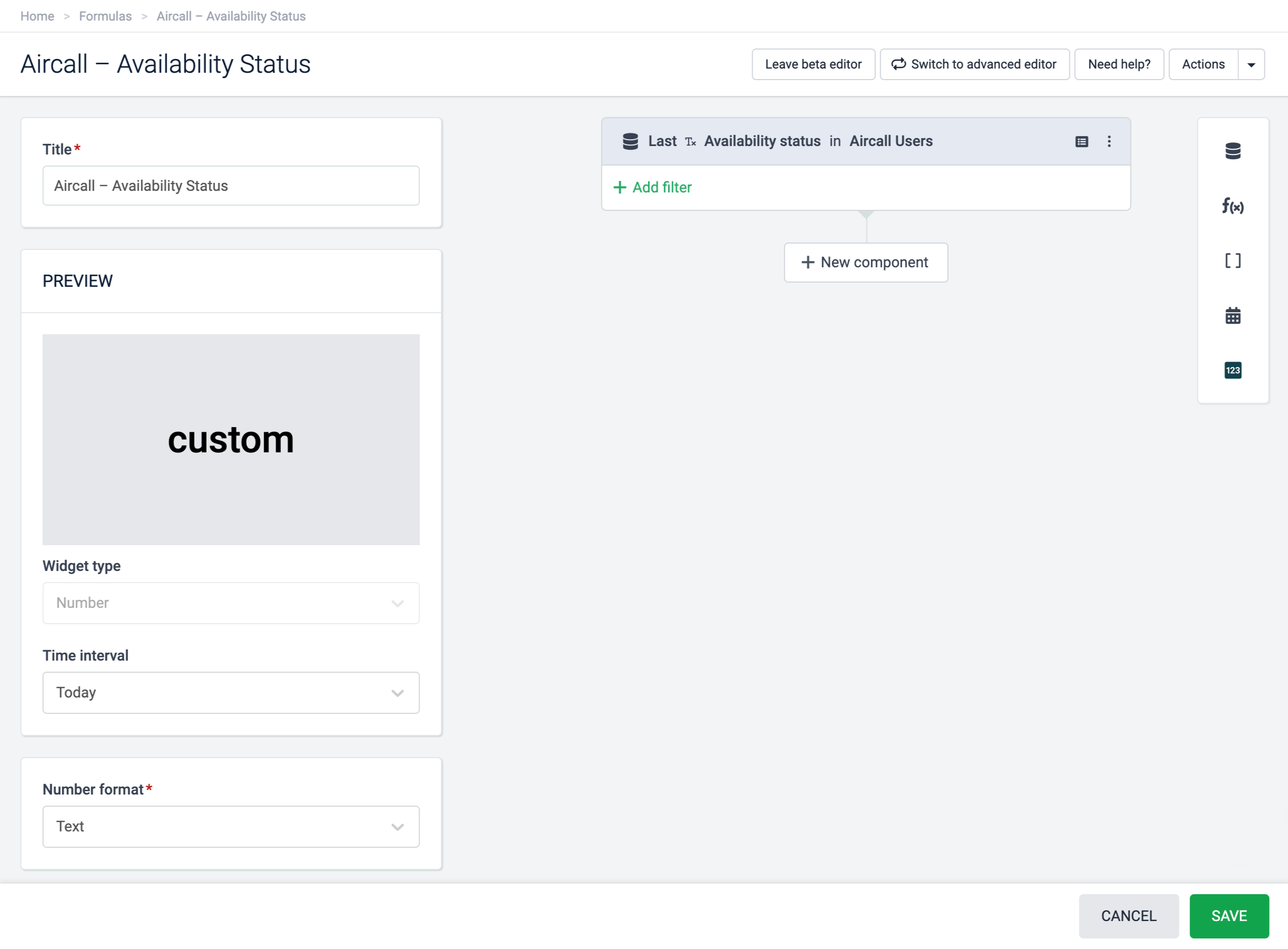
| Last | Returns the most recent field value of a data source. This function is frequently used to display text. For example, to see the latest agent status, latest sign-up, etc. |
| Min | Returns the lowest field value of a data source. |
| Max | Returns the greatest field value of a data source. |
| Avg | Calculates the average field value of a data source. Use it to get the average deal value, average spending, etc. |
When you use the data function components, remember that the formula result depends on your data source's default date field and the time period set on your widgets.
Adding filters in formulas
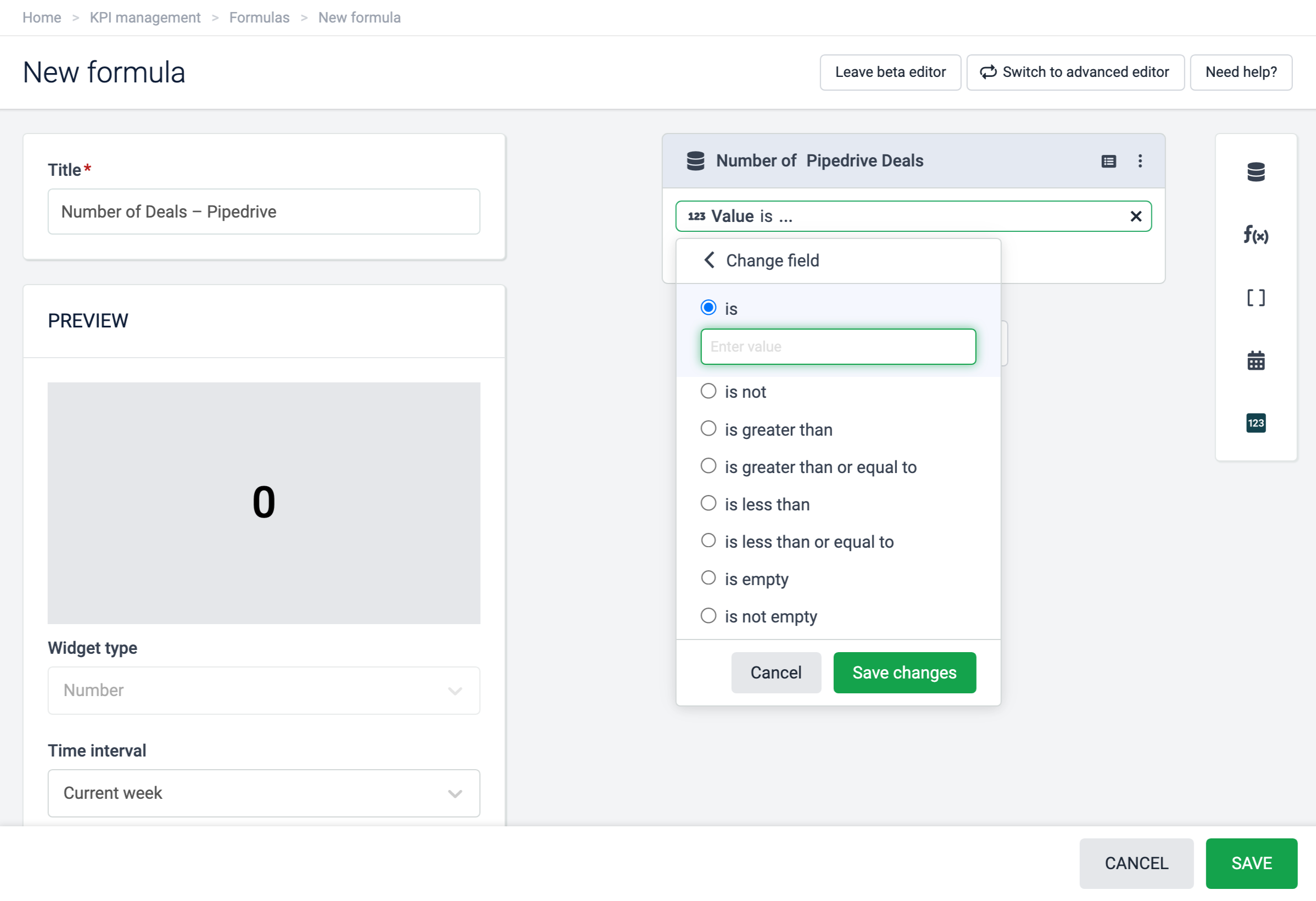
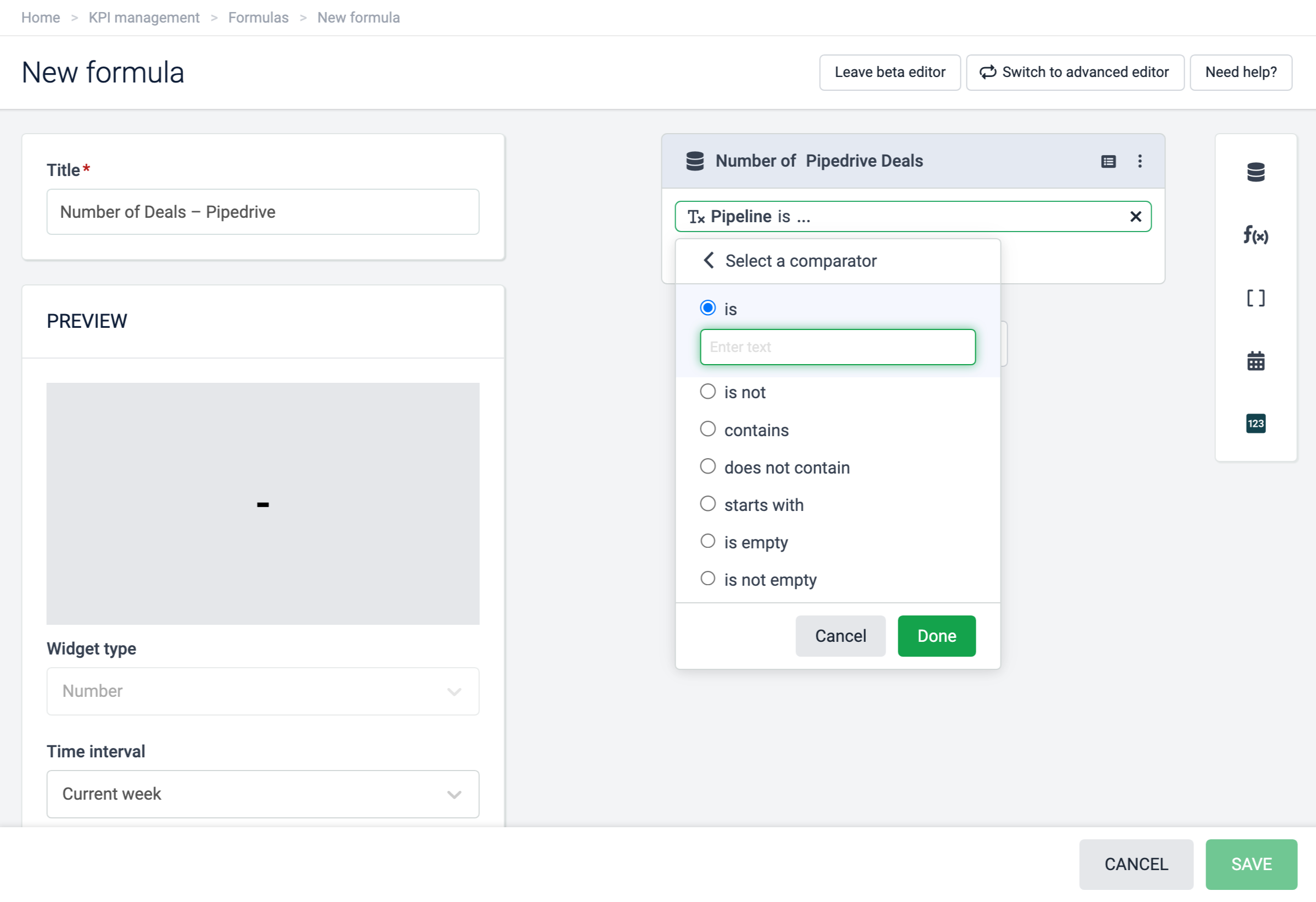
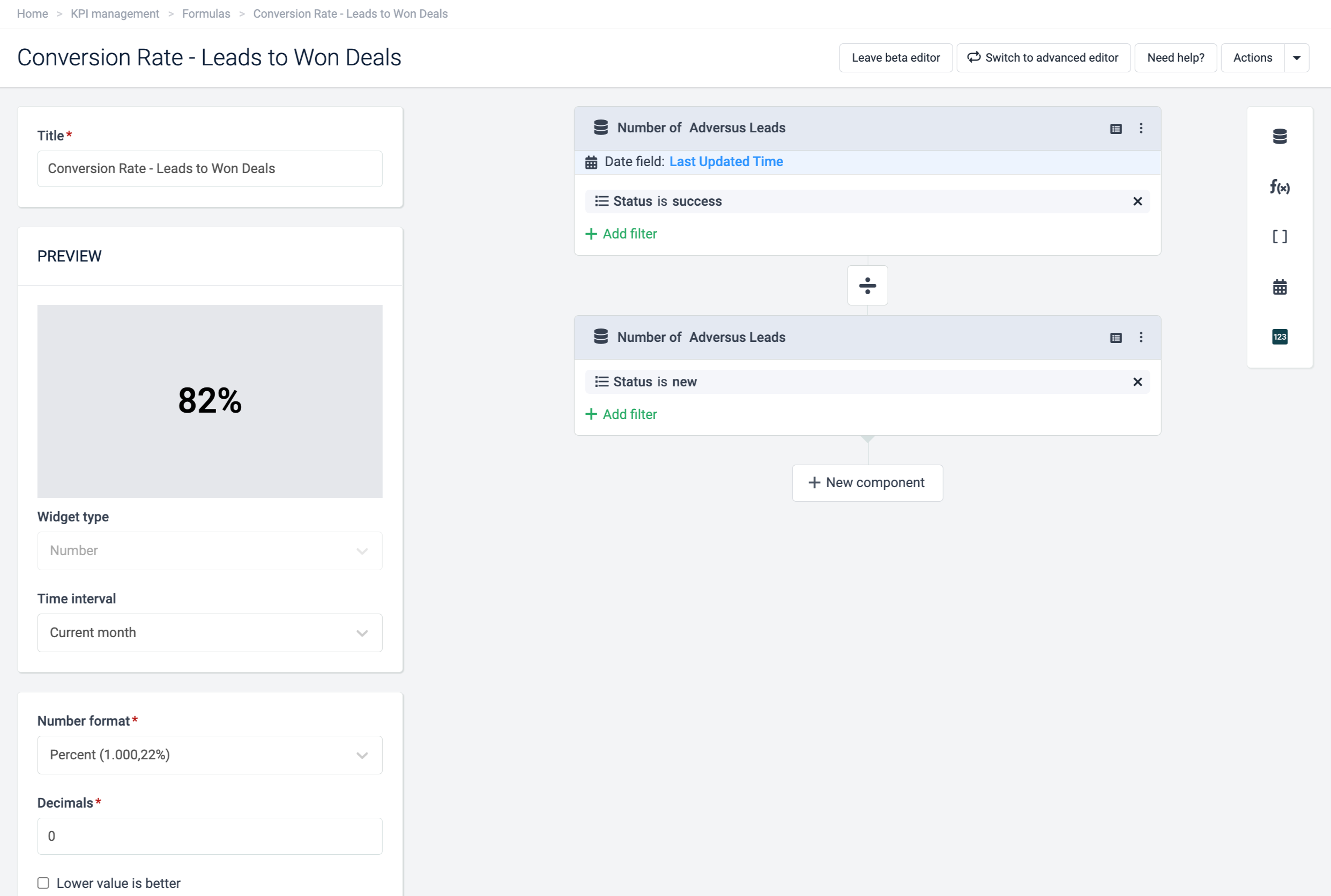
Add filters to calculate specific values from your data source. For example, the value of sales deals with status "won," the number of completed tasks, or count the number of registrations where a certain field value is not empty.
Filtering is case sensitive, so make sure to type the filters the same way as the values are written in your data source.