Sign in
How to Export Data Sources to Excel (.xlsx)
How to export a data source
You can export all integration and manual data sources to an Excel format (.xlsx). We do not support exporting API or legacy data sources.
-
Go to Data sources and open the data source you want to export.
-
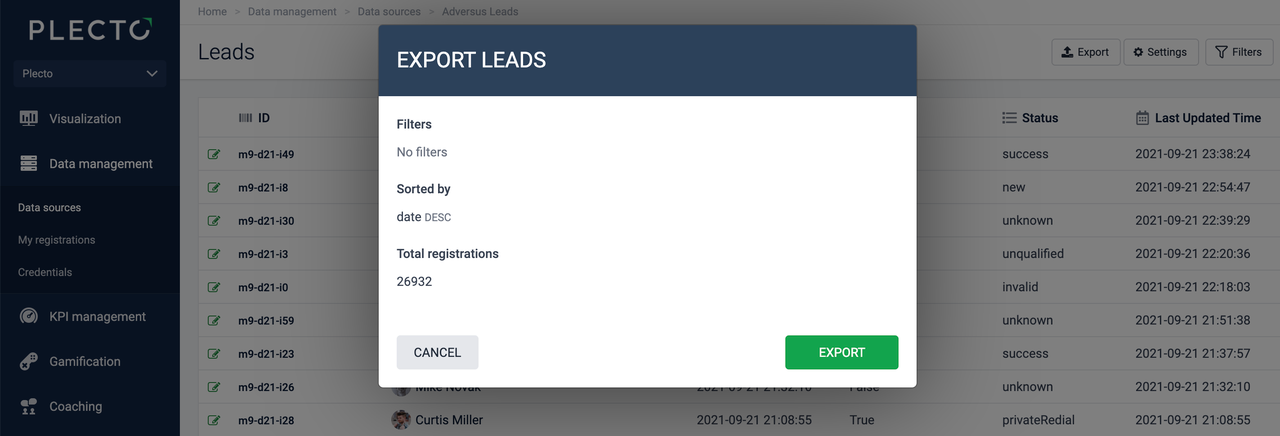
Click Export in the top right. You'll see a window with details such as the total number of registrations, how the data is sorted, and if there are any filters.
-
Click Export to finish. The spreadsheet with data from your Plecto data source will download on your local device.
You can only export 100 000 rows at a time. If the data source has any filters applied, they will also apply to the export.