Sign in
Online Registration Boxes From Manual Data Sources
How to add Online Registration Boxes to the Home page
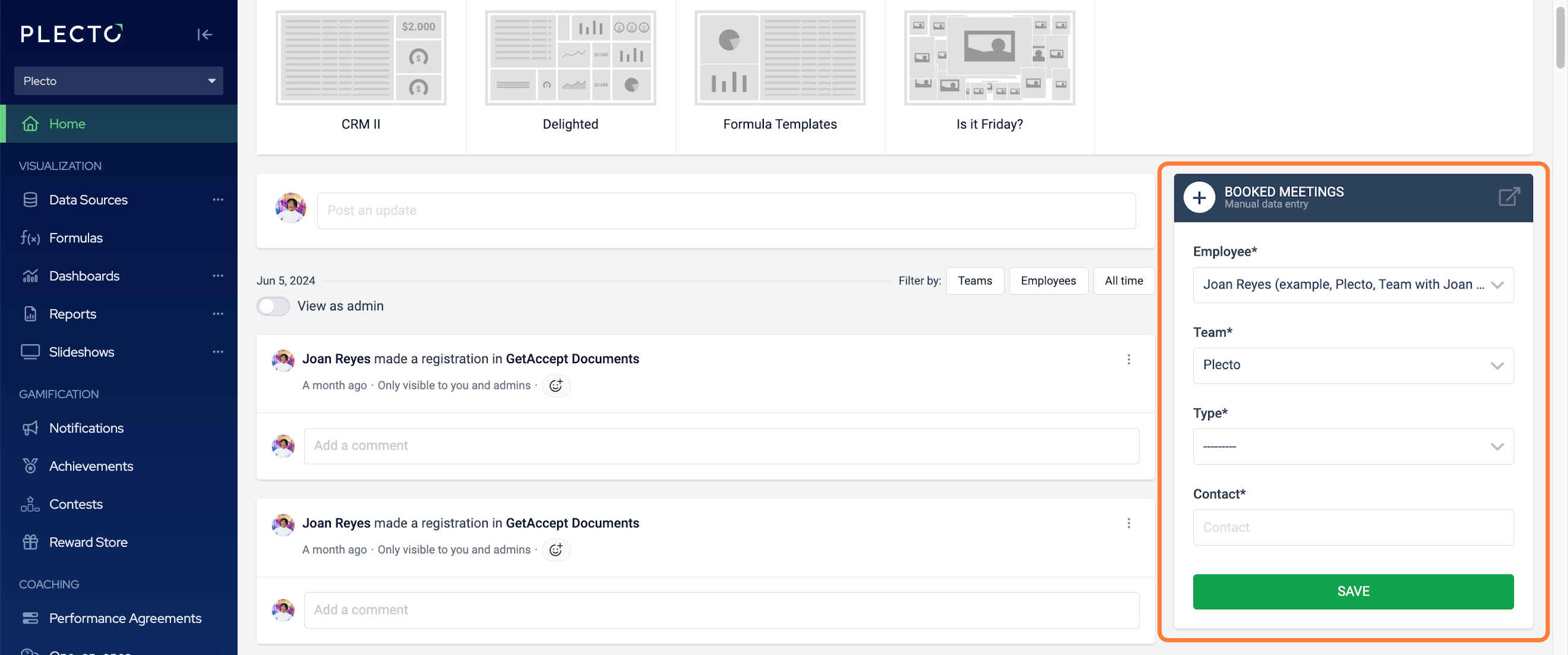
By adding Online Registration Boxes to the Home page in Plecto, you enable employees with Standard login access to add registrations to a manual data source.
Curious what the Standard login access includes? Read the help guide on Permission profiles.
Online Registration Boxes are only supported with manual data sources.
You can add as many boxes as there are manual data sources in your organization. Here's how to add an Online Registration Box:
-
Go to Settings > Teams.
-
Find a team and click Edit on the right in the row.
-
Find the section ONLINE REGISTRATION BOXES and click Add.
-
Select a manual data source from the list. If the Show on front page option is enabled, the registration box will appear on the Home page and everyone will be able to quickly add their manual registrations from there.
-
Click Save to finish.
Conversely, you can set up online registration boxes for multiple teams at once in the manual data source settings.