Sign in
Introduction to Teams
What are teams?
Create teams in Plecto and visualize team-specific KPIs on dashboards, reports, contests, and more!
There can be parent teams and sub-teams. All parent teams adopt the data registered by their sub-teams, which means a dashboard filtered by a parent team will display data both of the parent team and its sub-teams.
Why are teams important?
-
Custom access to dashboards and reports. In Plecto, you can restrict dashboard and report access to specific teams. Only Global Admins and members of the specified teams will be able to view the designated dashboard or report.
-
Performance Agreements. Performance agreements is a Coaching feature in Plecto that lets team managers make individual agreements with each of the employees regarding their targets.
-
Easier automation. With home dashboards and slideshows for teams, you can communicate important information and send team-relevant slideshow notifications in bulk.
Home dashboards
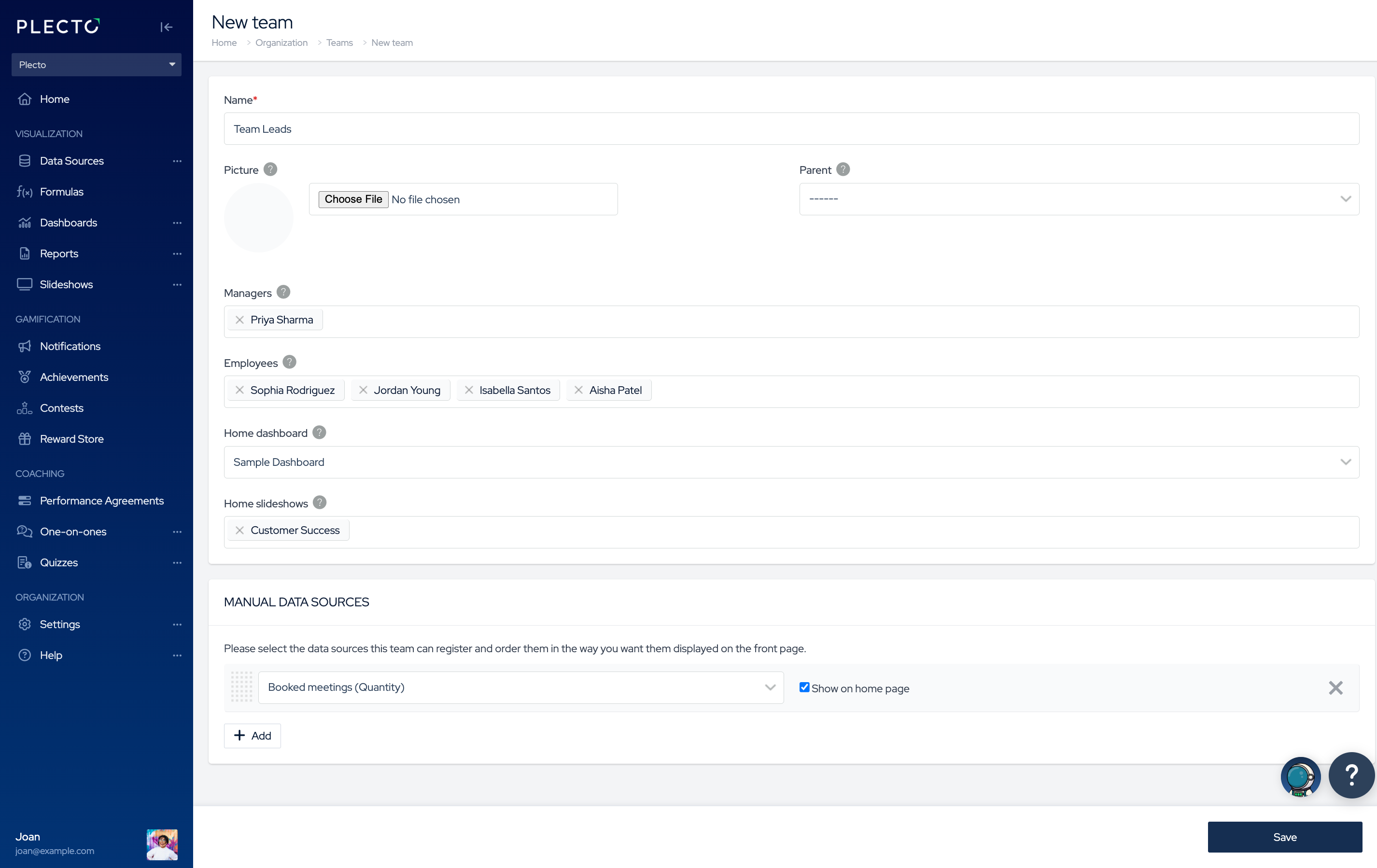
A home dashboard is a dashboard that belongs to a particular team. There can only be one home dashboard per team.
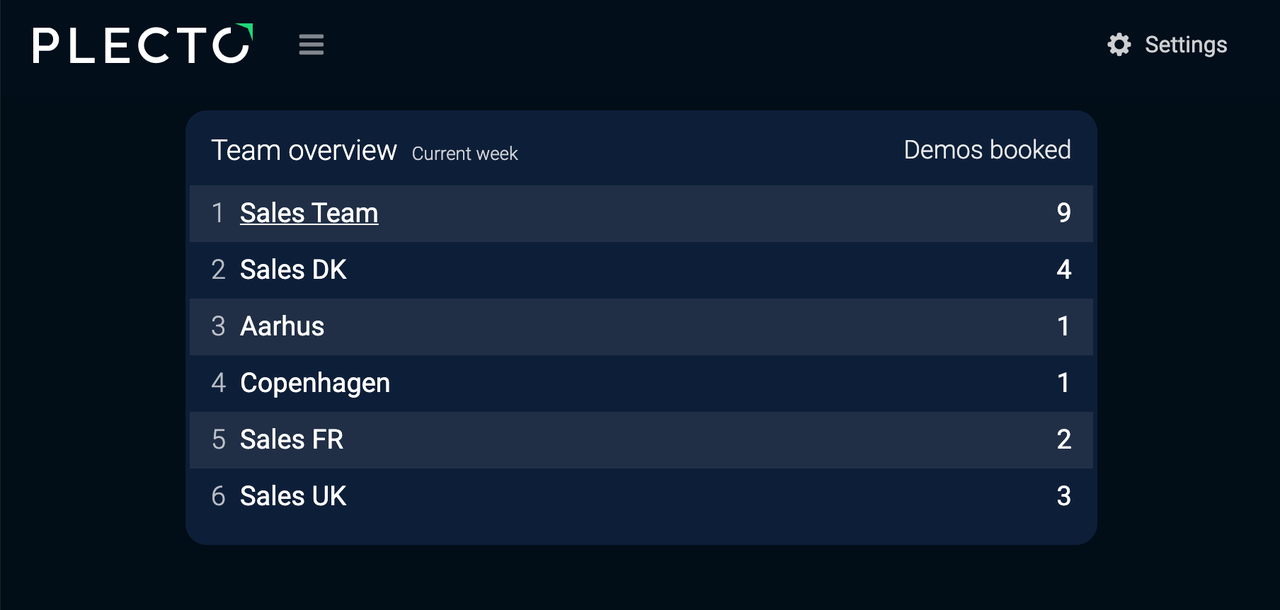
If the team appears on a different dashboard, you will be able to click on the team's name, and Plecto will take you to its home dashboard.
Home dashboard doesn't limit dashboard access or filter data.
Home slideshows
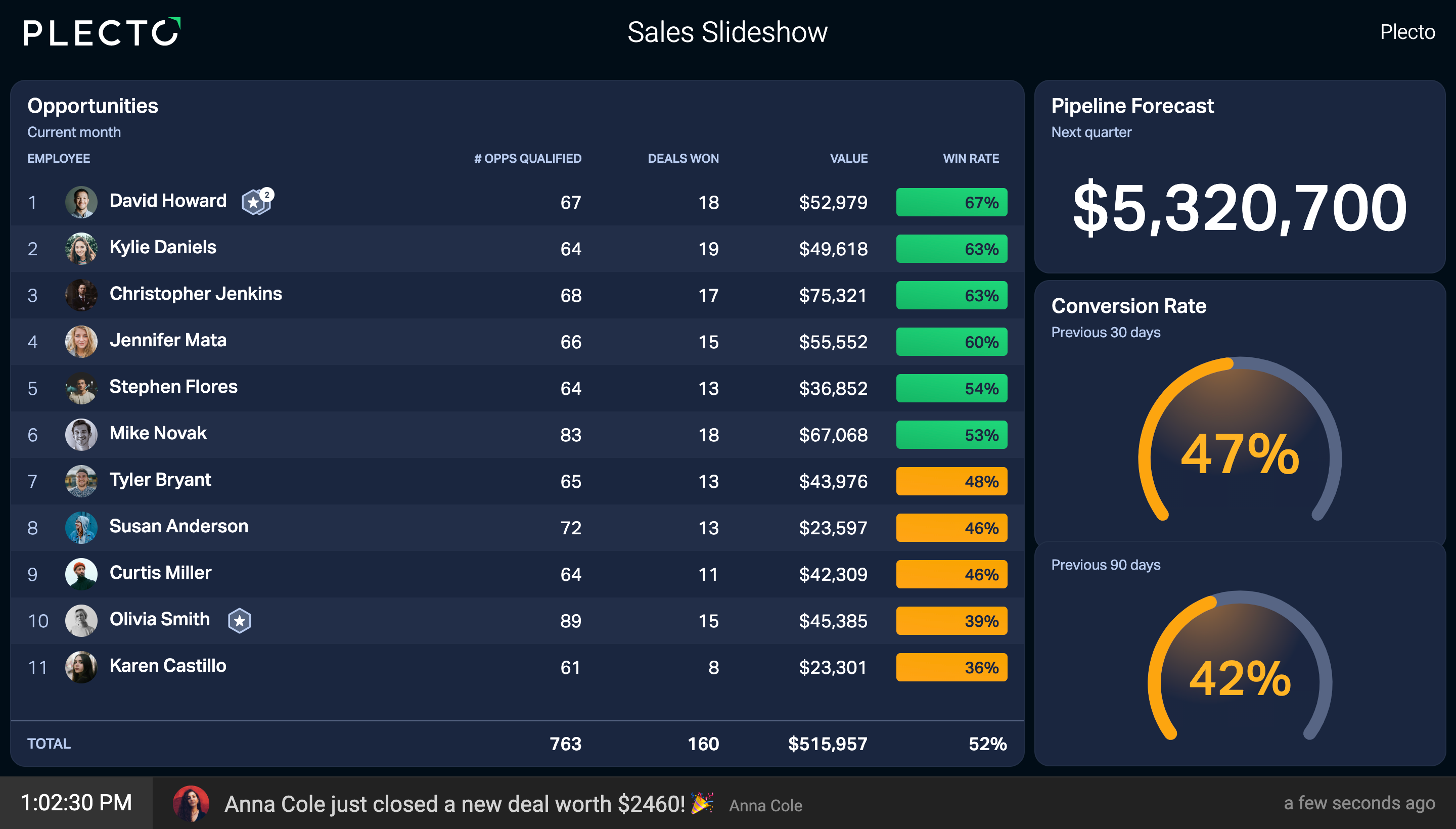
Home slideshows allow team managers to activate their team's slideshows on TVs and make it easier to send team-specific slideshow notifications.
If a team is connected to home slideshows, the manager can activate these slideshows on TV screens, but only for their own teams.
There is no limit to how many home slideshows a team can have.
Send slideshow notifications easier
If any teams in your organization are connected to home slideshows, the following notification actions will enable you to select Send to home slideshows as the destination slideshow:
-
Play sound on slideshow
-
Show custom text on slideshow
-
Show employee on slideshow
-
Play employee's personal video on slideshow
-
Play YouTube video on slideshow
-
Spin the wheel