 Sign in
How to Change a Display Name
What is a display name?
A display name is how your name appears on Plecto dashboards, slideshows, contests, or other places where employees are listed.
Your display name is only visible in the organization you set it, so if you are part of multiple organizations, you can choose a different display name in each of them.
Are you part of multiple Plecto organizations? If you change your first and last names in the account settings, the changes will apply across all organizations whereas the display name will only show in the organization you change it. To access the account settings, click your name in the bottom-left corner, then click the Account settings button.
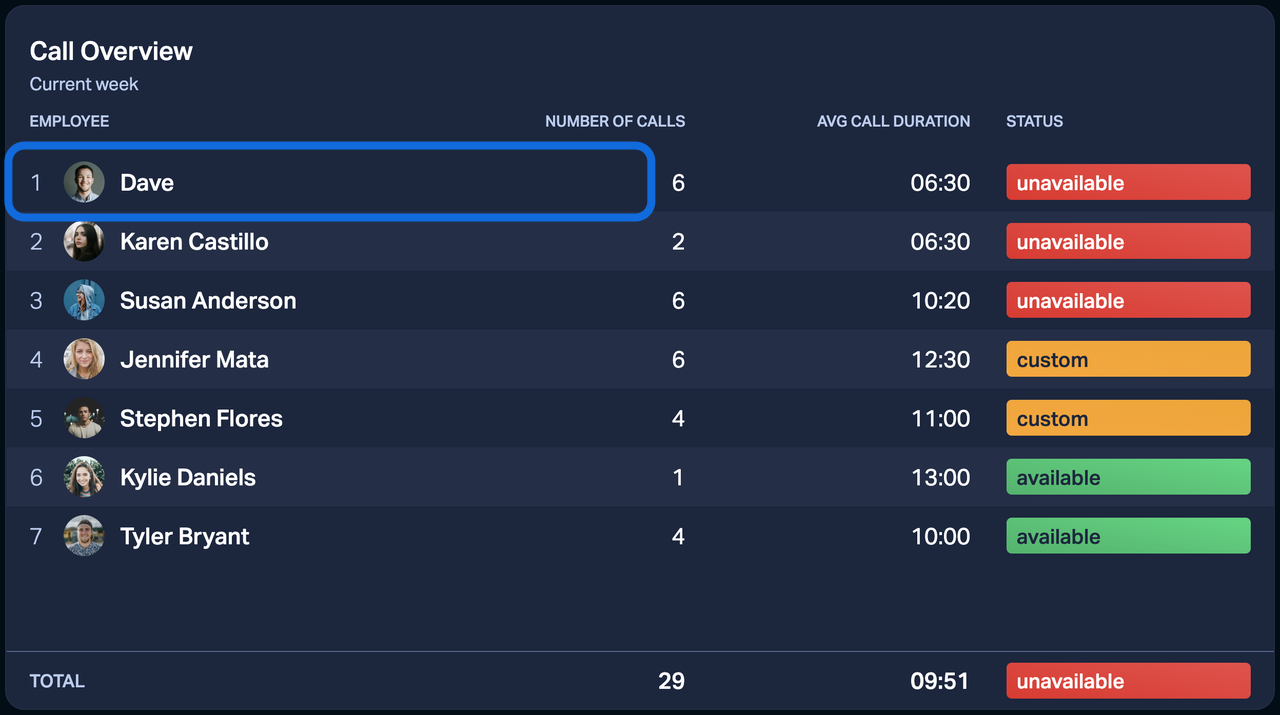
How to change the display name
-
Go to Settings > Employees.
-
Find the employee whose display name you want to change (it can also be your own), then click Edit on the right.
-
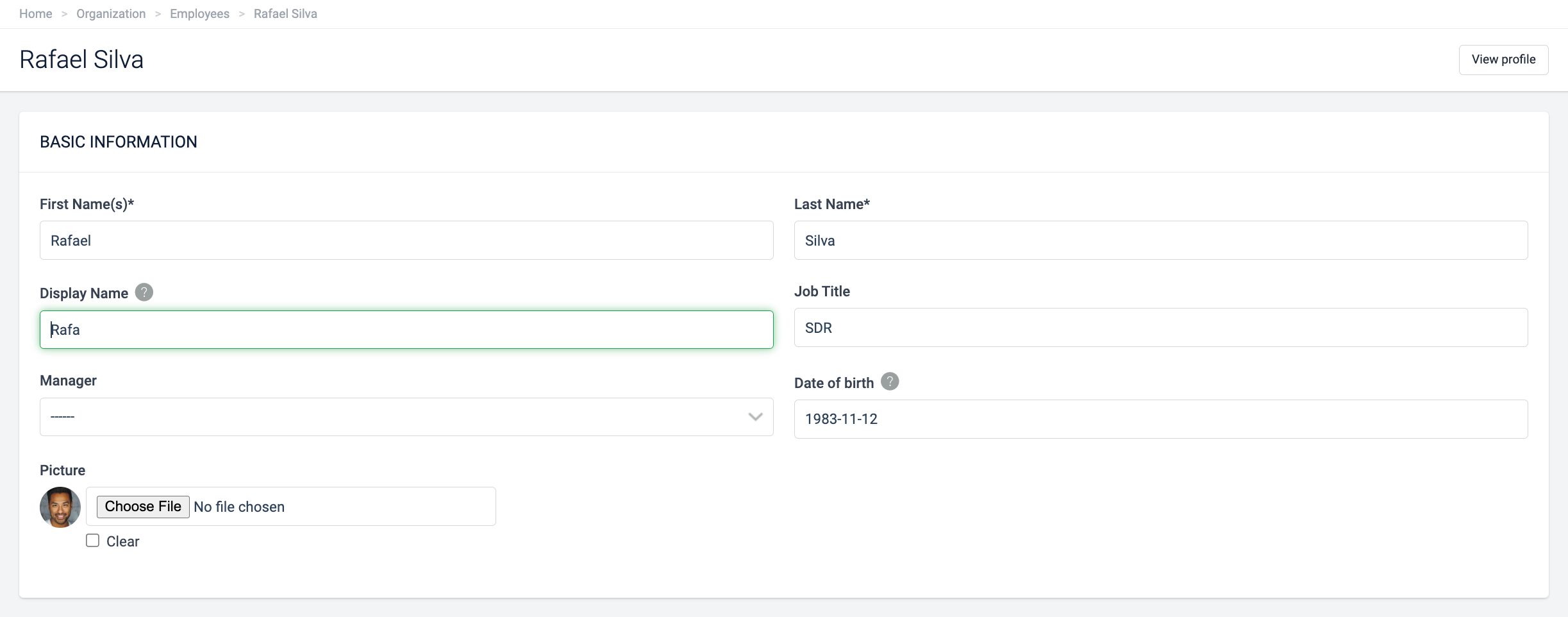
Find the field Display Name and enter the preferred name.
-
Click Save to finish.
Show real names on dashboards and reports
By default, Plecto shows display names everywhere. If you prefer a specific dashboard or report to show employees' legal names instead (the Employee Name field on the employee profile), you can enable it per dashboard or per report:
-
On a dashboard: Open the dashboard, click Settings in the top menu, and enable Use employees' real names. Click Save to finish.
-
In a report: Open the report, go to its settings, and enable Use employees' real names. Click Save to finish.
The setting only applies to the dashboard or report where you enable it. All other places keep showing display names.
Note: Pseudonymized employees always keep their pseudonym. Their real name is never shown, even when this setting is on.