Sign in
How to Copy a Dashboard
How to duplicate a dashboard
You can easily create dashboard copies in Plecto. Copying a dashboard enables you to quickly create individual dashboards for your teams or employees – no need to build each dashboard from scratch.
-
Go to Dashboards and open a dashboard you would like to copy.
-
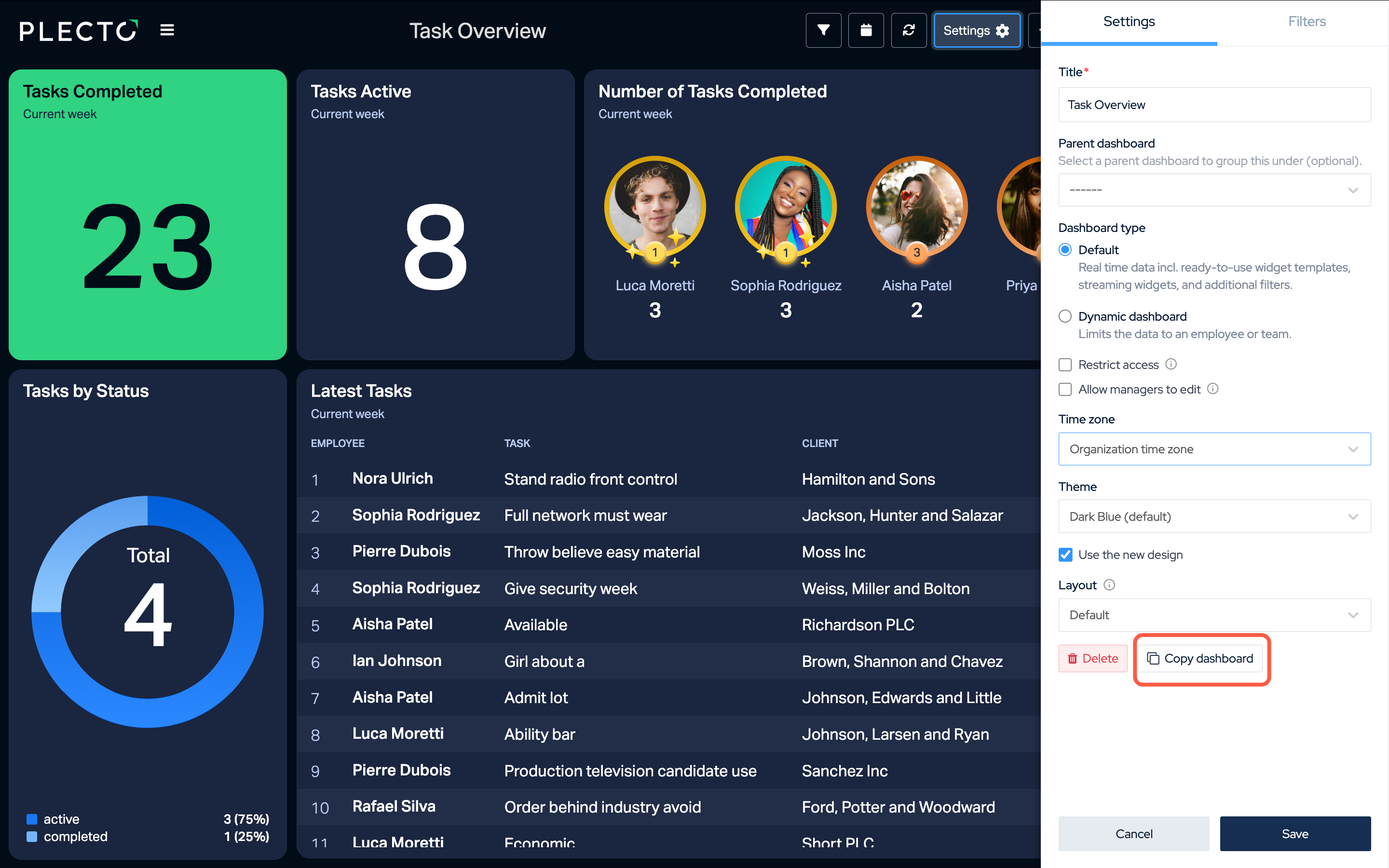
Click on Settings in the top menu.
-
Click the Copy dashboard button at the bottom of the settings list.
-
(Optional) Change the title of the copied dashboard.
-
Click Save to finish.