 Sign in

Best Accounting Software for HVAC Companies: 5 Options Compared
Compare accounting software for HVAC companies: QuickBooks Online, Xero, FreshBooks, ServiceTitan and Foundation, plus what to check before you buy.
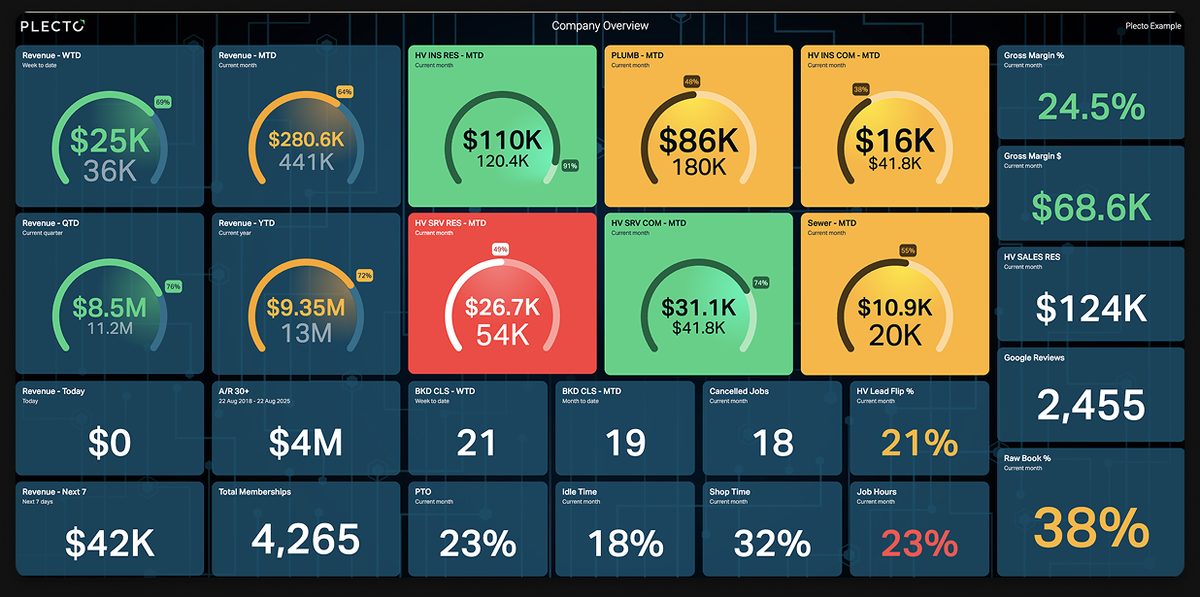
Choosing accounting software for HVAC companies is harder than choosing it for a consultancy or a shop. Your revenue comes from installs that run for weeks, service calls that finish in an hour and maintenance agreements that bill all year, and one ledger has to make sense of all three. This guide compares five options, explains what to check before you commit and shows how to keep one live view across your books and your field-service system. If you are still picking the operations platform itself, start with our roundup of the best HVAC software.
What accounting software for HVAC companies needs to do
The best accounting software for HVAC companies handles job costing, progress billing, recurring service agreements, parts inventory and technician payroll, and syncs with your field-service system so invoices are never retyped. A generic ledger covers the books. HVAC adds the job-level detail that shows whether an install or a contract made money.
A general-purpose bookkeeping tool records what you earned and spent. HVAC owners need to know which jobs and which technicians produced the margin. These are the capabilities that separate the two:
- Job costing. Labor, equipment and materials tied to each job, so you see margin per install and per service call, not only for the month.
- Progress billing. Replacement and new-construction jobs are billed in stages, such as a deposit, equipment delivery and completion. The software has to invoice against an estimate without double-counting.
- Service agreements and memberships. Maintenance plans create recurring invoices and deferred revenue. Your accounting system needs to receive them cleanly from wherever the agreement is managed.
- Parts and inventory. Compressors, coils and filters sit on trucks and in the warehouse. Without inventory tracking, cost of goods drifts away from reality.
- Technician payroll and commissions. Hourly pay, overtime, spiffs and sales commissions all land in payroll, and mistakes show up in morale before they show up in the books.
- Field-service sync. If dispatchers close a job in one system and the office retypes the invoice in another, you pay for the same work twice, once in labor and once in errors.
You rarely get all six from a single product. The practical question is which parts the accounting tool owns and which parts your field-service platform owns, and how well the two talk to each other.
Accounting software for HVAC companies compared
The table below lists what each vendor says on its own website. It is not a ranking, and it deliberately has no prices, because plans and promotions change. Check each vendor's pricing page for current numbers.
| Option | Best for | HVAC-relevant strengths (from the vendor's site) | Field-service connection |
|---|---|---|---|
| QuickBooks Online | Small and growing HVAC companies that want a widely supported ledger | Invoicing, project profitability and job costing, inventory, payroll, bills and expenses | Over 800 app integrations; ServiceTitan lists a QuickBooks Online integration |
| Xero | Companies that want quotes, invoicing and a large app marketplace | Quotes on all plans, project time and cost tracking on the Established plan, inventory management, optional Xero Payroll powered by Gusto | Integrates with 1000+ apps |
| FreshBooks | Small crews and owner-operators who mainly need invoicing and estimates | Invoicing, estimates, proposals, expenses, projects, time tracking, payroll | 100+ apps in its app store; has a Construction & Trades page |
| ServiceTitan | Established HVAC companies that want accounting inside the operations platform | Transaction Hub, accounting periods, audit trail, automated bill scanning, 3-way matching and approvals, accounts receivable tracking, service agreements | Integrates with QuickBooks Online or Intacct; exports journal entries to other accounting software |
| Foundation Software | Contractors that need construction-grade accounting | General ledger, accounts payable and receivable, job costing, payroll, a service dispatch module | Offers its own service dispatch module |
QuickBooks, Xero, FreshBooks, ServiceTitan and Foundation reviewed
These notes cover the five options in the table, in the same order, using only what each vendor publishes.
QuickBooks Online. QuickBooks is the default choice for many trades businesses, and its own site lists project profitability and job costing, inventory with purchase and sales orders, payroll and invoicing in one subscription. Its main advantage for HVAC is the size of the ecosystem: Intuit advertises more than 800 integrations, and ServiceTitan lists QuickBooks Online as a supported accounting integration. Check which plan includes the job costing and inventory features you need before you assume they are in the base tier.
Xero. Xero's US site offers quotes on every plan, which suits estimate-first HVAC work, and tracking time and costs for projects on the Established plan. Inventory management and an optional payroll add-on powered by Gusto round it out, and the marketplace spans more than 1,000 apps. The project tracking is plan-gated, so a crew that wants job-level costing should look at the higher plan rather than the entry one.
FreshBooks. FreshBooks leads with invoicing, estimates and proposals, and also lists expenses, projects, time tracking and payroll. It runs on double-entry accounting and has an industry page for construction and trades. It does not describe job costing by that name on its homepage, so test whether its project profitability view answers the questions you ask about installs. It is a reasonable fit for a small crew that mostly needs clean invoices.
ServiceTitan. ServiceTitan is a field-service platform rather than a standalone accounting package, but its accounting features are significant for HVAC: a transaction hub, accounting periods, an audit trail, automated bill scanning with 3-way matching and approvals (which the vendor ties to job costing accuracy) and accounts receivable tracking. It integrates with QuickBooks Online or Intacct, and you can export journal entries from its general ledger to other accounting systems. If you already run your jobs there, it shortens the trip from completed job to posted invoice.
Foundation Software. Foundation sells construction accounting with a general ledger, accounts payable and receivable, job costing and payroll, plus a service dispatch module. It is built for contractors, so it fits the larger HVAC businesses that run install crews like a construction firm. Its site does not single out HVAC, so ask for a demo using your own job and service-agreement examples.
How to choose accounting software for HVAC companies
Work through these questions in order. They narrow the field faster than comparing feature grids.
- Where do jobs and invoices originate? If your field-service platform already creates the invoice, the accounting tool is mostly a destination. Pick the one with a supported sync to that platform, and confirm which records move: invoices, payments, customers, or all three.
- How do you bill big jobs? If most revenue is replacement and install work billed in stages, test progress billing against a real estimate before you sign.
- Do you need job costing in the ledger or in operations? Some teams keep margin analysis inside the field-service system and use accounting for the books. Decide where the source of truth lives so two systems do not report two margins.
- How are technicians paid? Commission and spiff structures vary, so ask how the payroll module or add-on handles them.
- Who will maintain it? A tool your bookkeeper already knows is worth more than a better one nobody has time to learn.
- Can you leave? Check export options. You want your data in standard formats if you switch in three years.
For a deeper look at the metrics that sit on top of the ledger, see our guide to the KPIs that matter in the home service industry.
Report on accounting and field-service data in one place
Whichever accounting software for HVAC companies you pick, the books alone do not tell a dispatcher or an owner what is happening this week. Accounting data lives in one system and job data in another, and the two rarely share a screen.
Plecto is not accounting software. It does not keep a ledger, issue invoices or run payroll. It is a performance management platform that reads data from the tools you already use and shows it on live dashboards, with 150+ integrations. For an HVAC business that means you can put accounting and field-service numbers side by side.
Three integrations are relevant here, and each is documented in the Plecto help center:
- QuickBooks Online data sources cover invoices, bills, customers, estimates, items, purchases and vendors. See the QuickBooks Online guide for the full list and refresh intervals.
- Xero data sources include invoices, payments, quotes, contacts, bank transactions and purchase orders. The Xero guide lists every data type.
- ServiceTitan data sources include jobs, invoices, estimates, customer memberships, materials and job timesheets. The ServiceTitan guide covers the setup, which needs a Tenant ID and a report created in ServiceTitan.
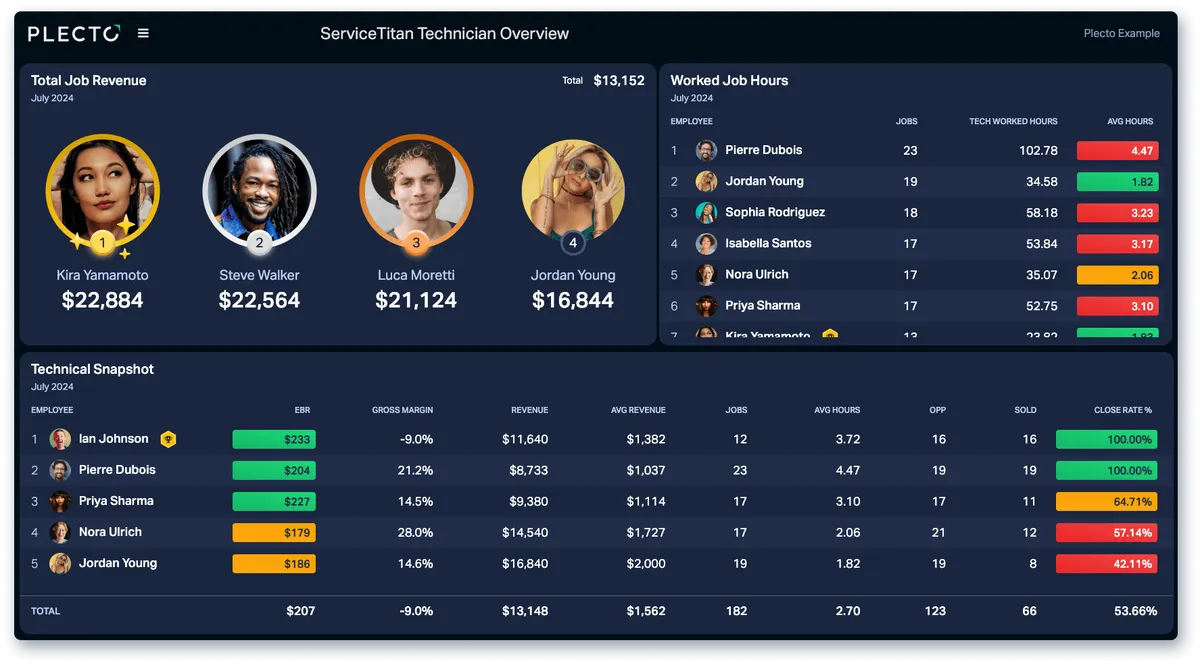
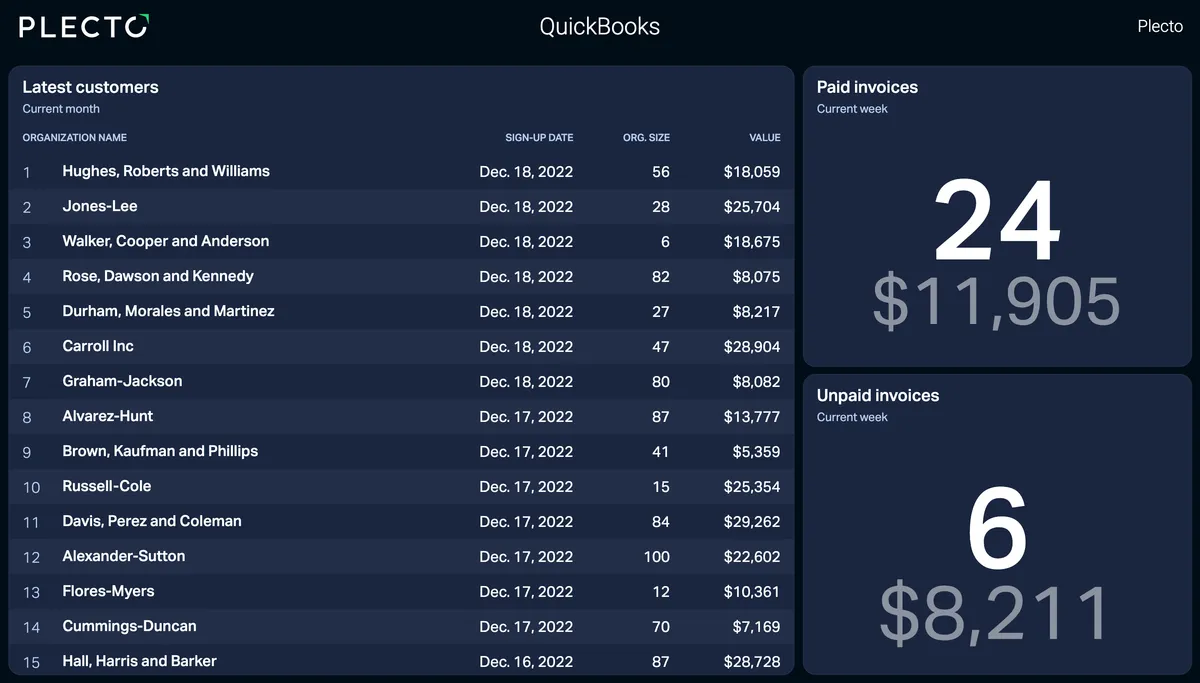
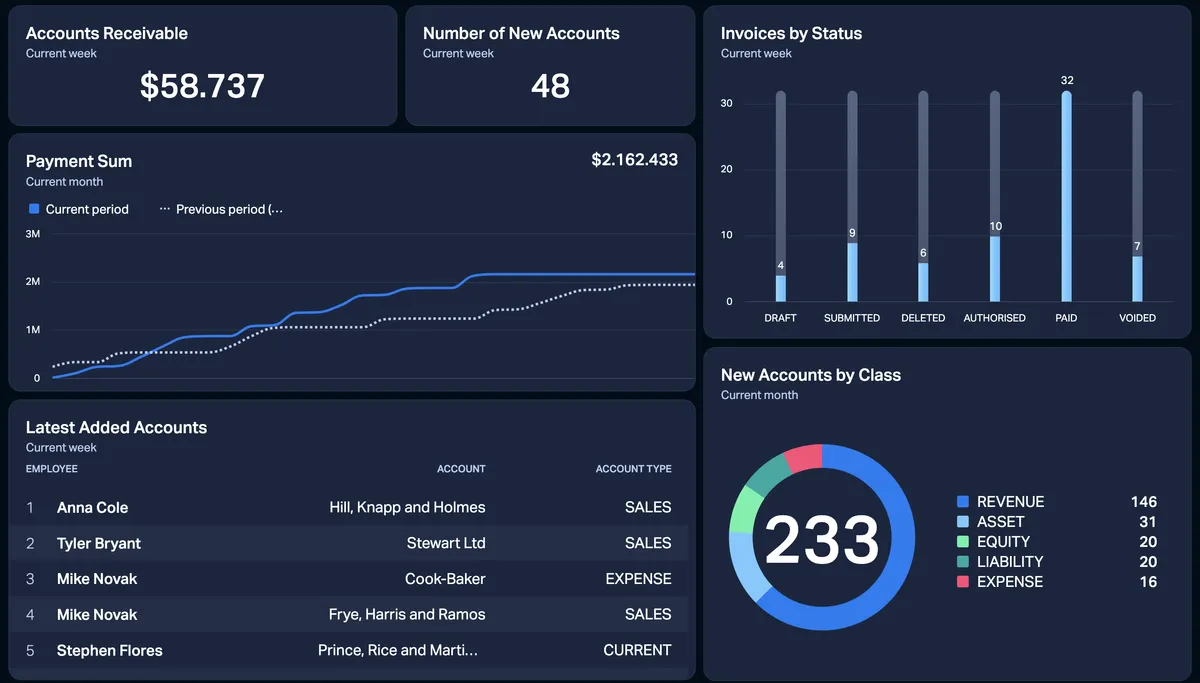
With both connected, one dashboard can show unpaid invoices from your books next to jobs completed and technician revenue from the field. Plecto's QuickBooks page names ServiceTitan as a system you can combine it with, to track financial performance alongside operational data. You can see what the field side looks like in our ServiceTitan dashboard examples, and the finance side is covered in our guide to building an accounting dashboard.
Dashboards also drive behavior. Put a leaderboard of technician revenue on the shop TV, and the numbers start conversations that a monthly report never does. Plecto also supports contests, reports and a mobile app. Contests and reports are on the Large and Enterprise plans.
Picking accounting software for HVAC companies: next steps
Start from your workflow, not the feature list, when you shop for accounting software for HVAC companies. Decide where jobs and invoices start, shortlist the two accounting tools that sync with that system, and run a trial with one real install, one service call and one maintenance agreement. If you need a live view across the books and the field, add a dashboard layer once the accounting and field-service data flow cleanly. Start a free trial to build your first dashboard on your own QuickBooks, Xero or ServiceTitan data.
FAQs
Frequently asked questions about accounting software for HVAC companies
There is no single best option. QuickBooks Online and Xero suit small and growing companies, FreshBooks suits small crews that mostly invoice, and ServiceTitan or Foundation Software suit larger operations that want accounting close to dispatch and job costing. Pick the one that syncs with the system where your jobs are created.
If you bill installs and replacements, yes, in some form. Job costing shows margin per job, which monthly totals hide. You can run it inside the accounting tool or inside your field-service platform, but choose one source of truth.
QuickBooks Online lists invoicing and project profitability, and ServiceTitan lists service agreements as a separate feature. Ask both vendors how recurring maintenance billing and deferred revenue flow between the two before you commit.
No. Plecto does not keep a ledger, issue invoices or run payroll. It connects to tools such as QuickBooks Online, Xero and ServiceTitan and shows their data on real-time dashboards, reports and contests.
Yes. Plecto offers a 14-day free trial with no credit card. Connect your accounting or field-service data source and build a first dashboard during the trial.
Start your 14-day free Plecto trial today.
Enjoyed the article? Share it:


